


In This Article
Color editing has become one of the most powerful ways to shape visual identity. For SMB owners, designers and marketers, the ability to refine tones, enhance brand palettes and create consistent aesthetics is a competitive advantage.
Today’s free apps offer surprisingly advanced color grading tools, from hue, saturation and lightness (HSL) controls and tone curves to AI-powered masking. These features make professional-quality edits accessible without expensive software.
Why Color Editing Matters for Brands and Creators
Color is more than visual appeal — it directly impacts perception, engagement and brand recall. Consistent color grading helps businesses establish a recognizable look across campaigns, social media and product imagery. This factor is especially crucial in a content-driven landscape where visuals dominate. Studies show that content with images is 94% more likely to get views than text-only content, underscoring the importance of high-quality, well-edited visuals.
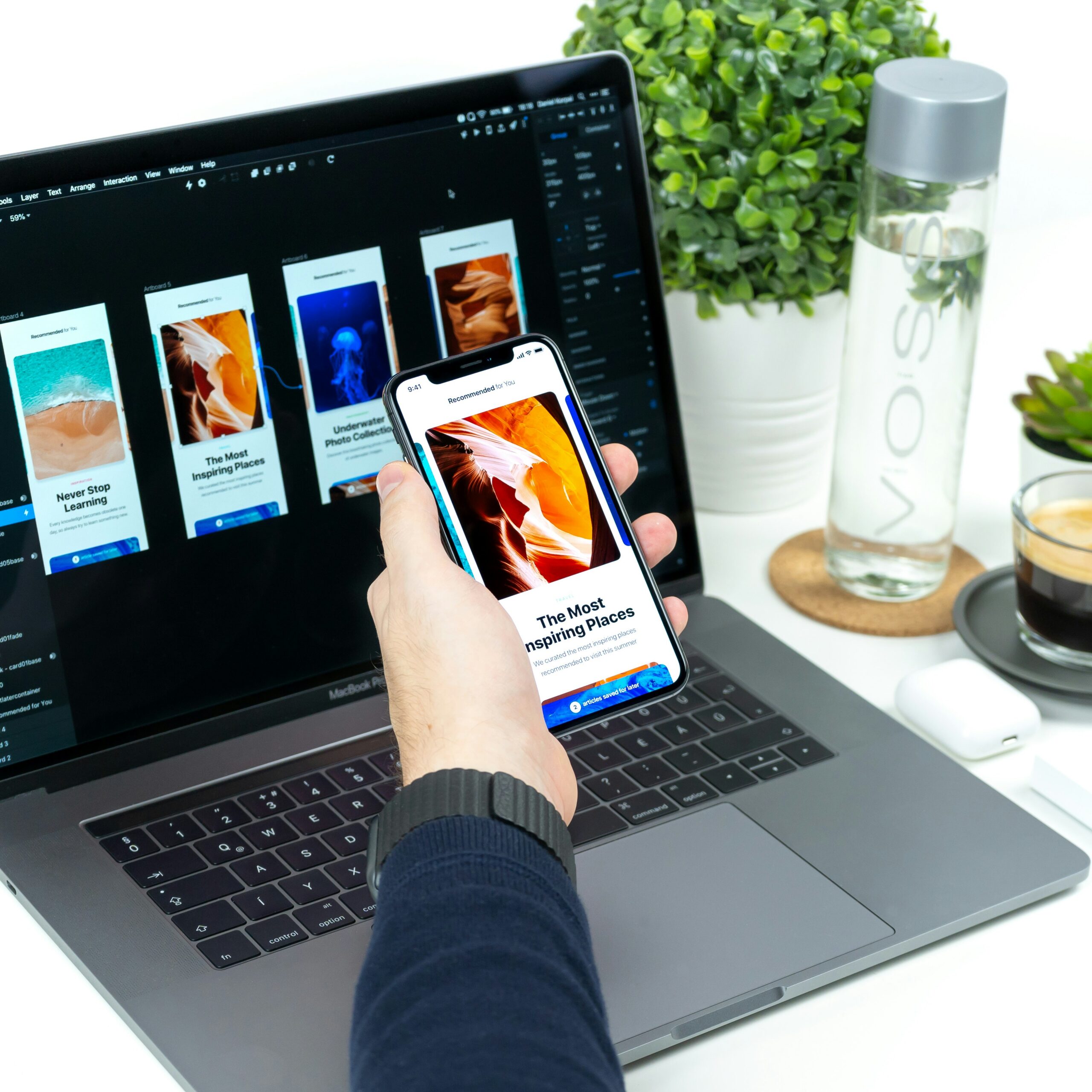
Modern editing apps now support non-destructive workflows and selective adjustments, enabling users to refine specific areas without affecting the entire image. For marketers and designers, the use of editing apps means faster workflows, improved visual consistency and more impactful storytelling.
Top 10 Free Photo Editing Apps for Color Enhancement
Photo editing apps continue to rank among the most popular application tools categories, with around 40% of smartphone users across major markets relying on them regularly. Below is a curated list of the top 10 free photo editing apps that offer powerful and accessible features for color editing:
1. Adobe Lightroom Mobile
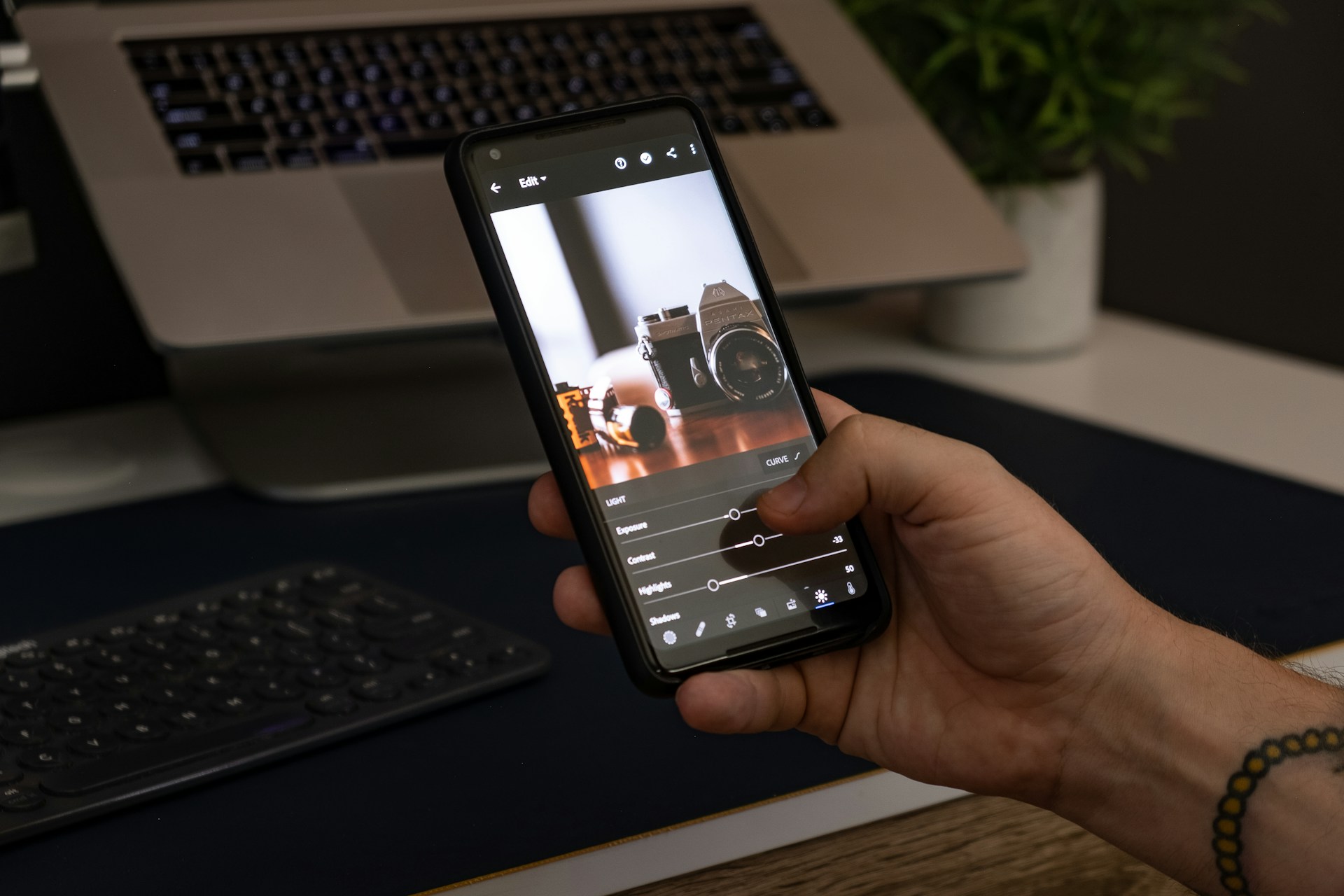
Adobe Lightroom Mobile remains the gold standard for professional color editing, even in its free version. It offers advanced tools like tone curves, color grading wheels and selective masking — allowing users to isolate subjects, skies or backgrounds. This level of control is valuable for product photography and branded visuals.
Lightroom’s free tier already includes robust color adjustments, while its intuitive interface makes it accessible across skill levels. Its ability to handle RAW files and maintain non-destructive edits makes it a top choice for serious creators. This app is best for professional-grade color correction and consistent brand aesthetics.
2. Snapseed
Snapseed is widely regarded as the most powerful fully free photo editor available. With 29 editing tools, including curves, selective adjustments and white balance controls, it delivers desktop-level precision on mobile. Unlike many competitors, it has no ads, no subscriptions and no locked features.
Its standout feature is the Selective Tool, which allows users to adjust brightness, contrast and saturation in specific areas. It’s ideal for fine-tuning product shots or social media images. Snapseed is best for precise, manual color adjustments without cost.
3. VSCO
VSCO focuses on aesthetic-driven editing, particularly film-inspired color grading. It offers a curated selection of presets that emulate analog photography, helping brands achieve a consistent look quickly. While some advanced filters need a subscription, the free version still provides enough tools for meaningful edits.
VSCO excels in creating cohesive visual identities, especially for lifestyle and fashion brands.
It is best for film-style color tones and consistent visual branding.
4. PicsArt
PicsArt blends creative editing with strong color tools. Beyond basic adjustments, it includes AI-powered effects, filters and color overlays, making it ideal for social media campaigns. Its vibrant community and asset library also allow users to experiment with trending styles.
While ads are present, the free version remains highly functional for creative color editing. PicsArt is best for creative, expressive color edits and social media content.
5. Canva
Canva has evolved into a powerful, all-in-one design and photo-editing platform. Its color editing tools are beginner-friendly, offering sliders for temperature, tint, saturation, and highlights, along with preset filters tailored for marketing visuals.
Canva is particularly valuable for SMBs because it integrates design, branding and publishing in one workflow. It’s also frequently recommended for quick edits and social media graphics. This app is best for fast, brand-aligned edits with design integration.
6. Darkroom
Darkroom is a favorite among Apple users for its clean interface and powerful color tools. It supports RAW editing, curves and selective color adjustments. This app is ideal for photographers who want professional control without complexity. Its real-time editing preview enhances workflow efficiency. Darkroom is best for iOS users seeking fast, high-quality color editing.
7. YouCam Perfect
YouCam Perfect specializes in portrait and beauty editing, with strong color enhancement tools. It includes skin tone adjustments, lighting correction, and color filters tailored for people-focused content. These features make it particularly useful for influencers, personal brands, and lifestyle businesses.
The app is best for portrait color correction and social media visuals, especially for polished, high-engagement posts across platforms like Instagram and TikTok.
8. Prisma
Prisma stands out for its artistic approach to color. Using AI, it transforms photos into stylized artworks with unique color palettes inspired by famous art styles. While not ideal for realistic edits, it’s excellent for brands looking to stand out visually. This app is best for artistic color transformations and creative campaigns.
9. Google Photos Editor
Google Photos offers simple yet effective color tools built into a widely used platform. Its automatic suggestions and one-tap enhancements make it ideal for quick edits. While it lacks advanced controls, it’s highly efficient for everyday use.
Users managing large photo libraries benefit from Google Photos, especially those who need fast, consistent and reliable enhancements without complexity.
10. DaVinci Resolve
DaVinci Resolve is traditionally known for video editing. However, this app now supports color grading for still photos. Its free version includes professional-grade tools like color correction, curves and cinematic effects, making it one of the most powerful free options available.
While it has a steeper learning curve, it’s ideal for advanced users seeking high-end color workflows and precise, studio-level grading capabilities.
Choosing the Right App for Every Need
Selecting the right app depends on your workflow and goals:
- For precision editing: Lightroom Mobile or Snapseed offers detailed control over tone curves and selective adjustments
- For branding and marketing: Canva or VSCO, ideal for maintaining a consistent visual identity and cohesive content styles
- For creative experimentation: PicsArt or Prisma, perfect for exploring artistic effects and bold, eye-catching color treatments
- For advanced workflows: DaVinci Resolve, best suited for professionals needing cinematic grading tools and deeper editing control.
Free apps in 2026 offer professional-level color editing capabilities, often with optional upgrades rather than strict paywalls. The shift reinforces the importance of accessible color-editing apps, particularly as mobile-driven visuals have become dominant. Professional photographers reported using smartphones to capture over half of their personal photos, reflecting a mobile-first approach to image creation and editing.
Maximizing Impact with Free Photo Color Editing Apps
Color editing is one of the fastest ways to elevate visual content and strengthen brand identity. Whether refining product photos, creating social media assets or building cohesive campaigns, these free apps provide the tools needed to compete in today’s visual-first landscape.
For SMB owners, designers, and marketers, the key is more than choosing the right app — but using it consistently to develop a recognizable style. With the tools above, achieving professional-quality color editing is no longer a matter of budget, but of strategy and creativity.
Leave a Comment