

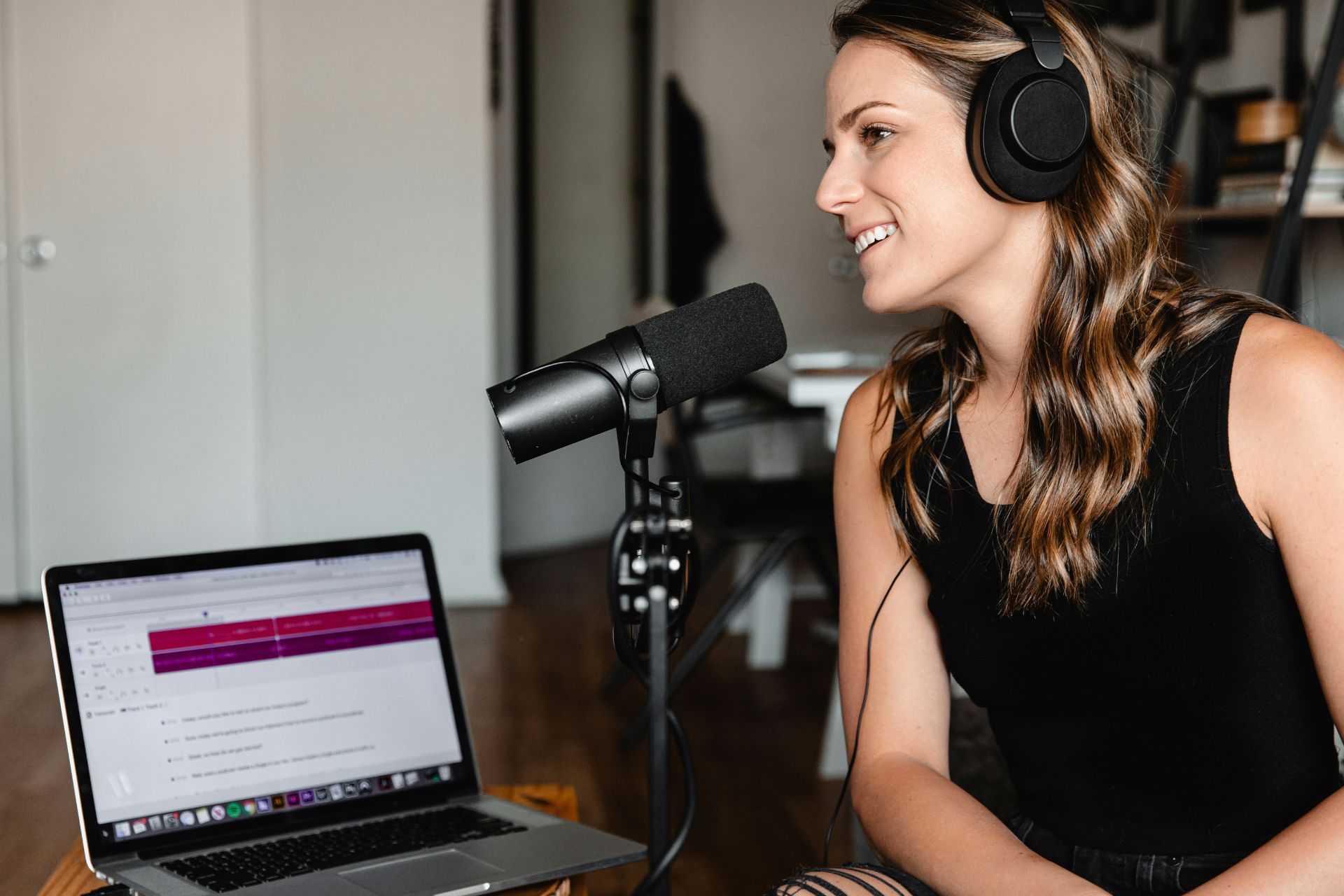


For creatives, starting a podcast offers a natural way to turn ideas and expertise into conversations that resonate. The format continues to gain influence as more people make podcasts part of their daily routines. With accessible recording tools and flexible publishing platforms, launching a professional show no longer requires a large budget or a production team. A thoughtful concept and a clear point of view can give your voice room to grow.
Build a Strong Foundation for Your Podcast
Learning how to start a podcast begins well before you purchase equipment or record an episode. According to Edison Research’s Infinite Dial 2026, approximately 58% of Americans age 12 and older had consumed a podcast within the previous month, an all-time high. The choices you make during the planning stage will shape the show’s identity and determine whether its production demands are realistic over the long term.
Define Your Podcast’s Goal
Start by deciding what you want the podcast to accomplish. A small business owner may use a show to reach potential clients, while a designer might want to build authority within a creative niche. Podcasting can also support a paid membership or another revenue stream.
Turn that broader purpose into specific measures of success. Depending on your goal, you might track episode downloads, newsletter signups or inquiries attributed to the show. Setting these benchmarks early keeps the podcast connected to a meaningful business or creative outcome instead of making audience size the only measure that matters.
Identify Your Target Listener
A clearly defined audience will help you choose topics that feel relevant rather than overly broad. For example, “marketing for startups” covers a wide range of listeners, but “marketing for bootstrapped SaaS startups” speaks to a more specific group with shared challenges.
Create a simple listener persona that reflects the person you hope to reach. Consider what they already understand about the subject, what problems they regularly face and why they would make time for your show. You can then use those insights to shape the language and depth of each episode.
Choose a Sustainable Format
Think about which format suits your strengths and available time. Solo episodes offer more control and may be easier to schedule. Interviews introduce outside expertise and can expose the show to a guest’s existing audience, although finding guests adds another step to the production process. A co-host can create a natural conversational rhythm, but both people must commit to a dependable schedule.
Episode length and publishing frequency should also be realistic. A focused 20-minute episode released twice a month may serve your listeners better than an ambitious weekly show that becomes difficult to maintain. Consistency matters more than choosing the busiest schedule.
Create a Memorable Name
Your podcast name should communicate its subject while remaining easy to say, spell and remember. Relevant keywords can make the topic clearer in search results, but avoid forcing them into a title that sounds generic.
Set Up Your Podcast Studio
Professional podcast equipment can make your new podcast feel credible, but you do not need to build an expensive studio before recording your first episode. Focus on equipment that produces clear sound and fits your current experience level. You can always upgrade as the show grows.
Choose the Right Microphone
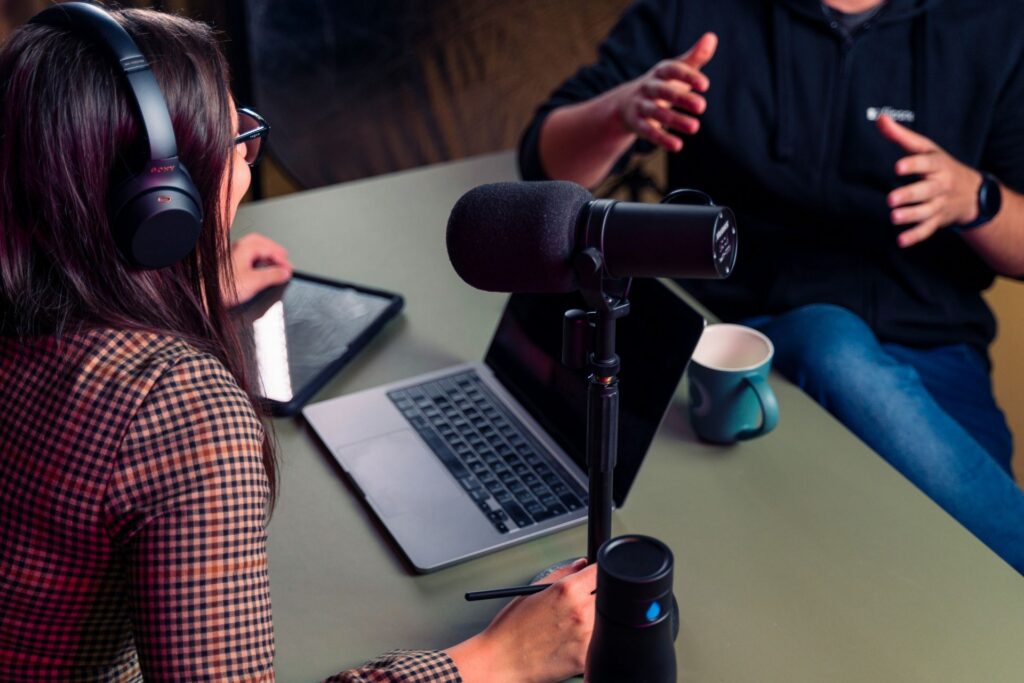
A USB microphone is often the easiest starting point because it plugs directly into a computer without requiring extra equipment. The Audio-Technica AT2020USB-X offers plug-and-play operation designed for content creation, making it a straightforward choice for beginners.
Creators who want more control can move to an XLR microphone paired with an audio interface. A device such as the Focusrite Scarlett 2i2 connects an XLR microphone to a computer and allows you to adjust recording levels. At the professional end, the Shure SM7B is a broadcast-style dynamic microphone commonly used for speech, though it requires enough preamp gain and represents a larger investment. The most expensive option is not automatically the right one for a new show.
Add the Essential Accessories
Closed-back headphones allow you to monitor a recording without sound leaking into the microphone. A pop filter can soften harsh bursts of air caused by certain consonants, while a boom arm or sturdy stand keeps the mic stable and properly positioned.
Place the microphone a few inches from your mouth and slightly off to one side. This arrangement can capture a clear voice while reducing unwanted breathing sounds.
Select Recording and Editing Software
Free programs such as Audacity and GarageBand provide the basic tools needed to record and edit an episode. They are well-suited to creators who do not mind learning a traditional audio-editing timeline.
Subscription platforms offer features that can simplify production. Adobe Audition provides more advanced editing controls, while Descript converts recordings into editable transcripts. Its tools can also remove filler words and reduce background noise, which may shorten the editing process for beginners.
Improve Your Recording Space
Even a high-quality microphone will struggle in an echo-filled room. Choose a quiet space away from appliances and street noise, then look for soft materials that can absorb sound. Curtains or a closet filled with clothing may produce a cleaner recording than a large, sparsely furnished office.
Record a short test before each session and listen through headphones. Catching an echo or background hum early is much easier than trying to repair an entire episode afterward.
Create a Repeatable Production Workflow
A clear workflow makes it easier to publish consistently without rushing through each episode. Build a process you can repeat from the first idea to the final upload.
Plan Your First Episodes
Outline at least three to five episodes before launching, so you are not immediately working against a deadline. Recording more than one episode in a session can also save setup time. Some hosts prefer full scripts, but a structured list of talking points often sounds more natural while keeping the discussion focused.
Follow Recording Best Practices
Keep your mouth a consistent distance from the microphone to prevent noticeable volume changes. Speak as though you are addressing one listener rather than performing for a large audience.
For interviews, send guests the general topics beforehand and confirm that their equipment works. A short conversation before recording can help them relax and lead to a more comfortable exchange.
Polish Each Episode
Editing should improve clarity without removing every natural pause. Cut distracting mistakes and lengthy silences, then add an intro or outro if it supports the show’s identity. Any music must be licensed for podcast distribution, so read the usage terms carefully rather than assuming a “royalty-free” track can be used everywhere.
Balance the audio so listeners do not need to adjust their volume throughout the episode. Around -16 LUFS is a common target for stereo podcasts, although your hosting platform may provide its own recommendations.
Design Recognizable Cover Art
Your cover art may be a listener’s first interaction with the podcast. Research notes that 55% of first impressions are based on what people see, making a polished visual identity an important part of production.
Use readable type and strong contrast so the design remains clear at thumbnail size. The artwork should also reflect the show’s tone and complement any existing business branding. Apply the same visual direction to promotional graphics to make the podcast easier to recognize across platforms.
Launch and Promote Your Podcast
Publishing an episode is only part of a successful launch. You also need a reliable way to distribute the show and a plan for helping the right listeners discover it.
Choose a Podcast Hosting Service
A podcast host stores your audio files and creates the RSS feed that sends your show’s information to listening platforms. Services such as Buzzsprout, Transistor and Libsyn offer different combinations of storage and analytics. Compare their publishing tools, customer support and ease of use before choosing one.
Your host should also make it simple to move your show if your needs change. Review its distribution options and confirm that you retain control of the podcast and RSS feed.
Submit Your Show to Directories
Once the feed is ready, submit it to major directories such as Apple Podcasts and Spotify. The RSS feed contains your episode titles, descriptions and artwork, allowing each directory to display new releases as you publish them. Spotify-hosted shows appear on Spotify automatically, but creators must enable the feed and submit it separately to other platforms.
Develop a Launch Strategy
Consider releasing three to five episodes at launch. A small collection gives new listeners more opportunities to understand the show and decide whether to follow it.
Create a brief trailer beforehand to introduce the topic and set expectations for future episodes. Share it with your existing newsletter subscribers or social media followers, then ask trusted contacts to help spread the word. Coordinating this initial promotion can create early momentum without requiring a large advertising budget.
Keep Promoting New Episodes
Turn memorable moments from each recording into audiograms or short video clips for social media. Choose excerpts that deliver a useful takeaway rather than simply announcing that a new episode is available.
Guest appearances on related podcasts can introduce your expertise to established audiences, while cross-promotions with complementary creators can benefit both shows. Encourage satisfied listeners to leave honest ratings and reviews, but make the request brief and easy to follow. Consistent promotion between releases helps the podcast remain visible after the initial launch.
Grow and Monetize Your Show
Sustainable growth comes from learning what resonates with listeners and giving them a reason to return.
Use Your Analytics
Track downloads or plays per episode, audience demographics and the points where listeners stop. Look for patterns across several releases rather than changing direction after a single underperforming episode. These insights can help you refine episode length and choose stronger topics.
Build an Engaged Audience
Publish on a schedule your audience can rely on and invite listeners into the conversation. Q&A episodes or a dedicated community group can make the show feel more interactive. Listener feedback may also reveal useful ideas for future episodes.
Choose a Monetization Path
Traditional advertising is only one option. Creatives can pursue sponsorships or recommend relevant affiliate products, but these approaches work best when they align naturally with the audience. Premium episodes and paid courses offer more direct revenue streams. You can also treat the podcast as a pathway to your primary services, using each episode to demonstrate expertise and build trust with potential clients.
Turn Your Podcast Idea Into Reality
Starting a podcast takes thoughtful planning, but it does not require perfect equipment or a large audience from day one. What matters most is creating a clear concept and committing to a process you can sustain. Take the first step by writing down your idea, then give yourself room to improve with every episode.

Leave a Comment