




In This Article
Machines are no longer defined solely by their mechanical performance. As equipment becomes connected, automated, and increasingly software-driven, the way people interact with it has become part of the product itself.
Machine experience, or MX, applies user experience principles to interactions with machines, covering physical controls, displays, software interfaces, alerts, feedback, and machine behavior. For small and medium-sized business (SMB) owners, this creates an opportunity to make complex products easier to understand, operate, and trust.
What Is Machine Experience?
Machine experience describes the complete experience a person has when interacting with a physical machine and its digital systems.
Traditional UX typically focuses on websites, apps, and other digital products. Machine experience extends those principles into environments where software, hardware, and human behavior are closely connected.
An operator may interact with a touch screen, physical buttons, sensors, visual indicators, or automated functions during a single task. Because these interactions happen in physical environments, usability can have direct operational consequences.
The National Institute of Standards and Technology (NIST) defines usability in terms of effectiveness, efficiency, and satisfaction within a specific context of use, reinforcing the importance of designing systems for the people who operate them.
A strong machine experience should answer several questions:
- Can users understand what the machine is doing?
- Can they identify what action is required?
- Does the machine provide clear feedback?
- Can new operators learn the workflow quickly?
- Can users recover easily from mistakes?
- Does the machine behave predictably?
These questions move machine design beyond functionality and toward the quality of the entire interaction.
Why Machine Experience Matters
Modern machines can provide significantly more information than their predecessors. Connected equipment can combine sensor data, diagnostics, status information, and automated recommendations within a single interface.
Research on industrial machine design notes that increasingly sophisticated human-machine interfaces can create usability and learnability challenges as they communicate larger quantities of real-time data.
That makes machine experience increasingly important. Clearer interfaces can help users understand complex systems, complete tasks efficiently, and respond confidently to machine feedback. For SMBs, a well-designed experience can also differentiate products with similar technical capabilities.
The Four Layers of Machine Experience
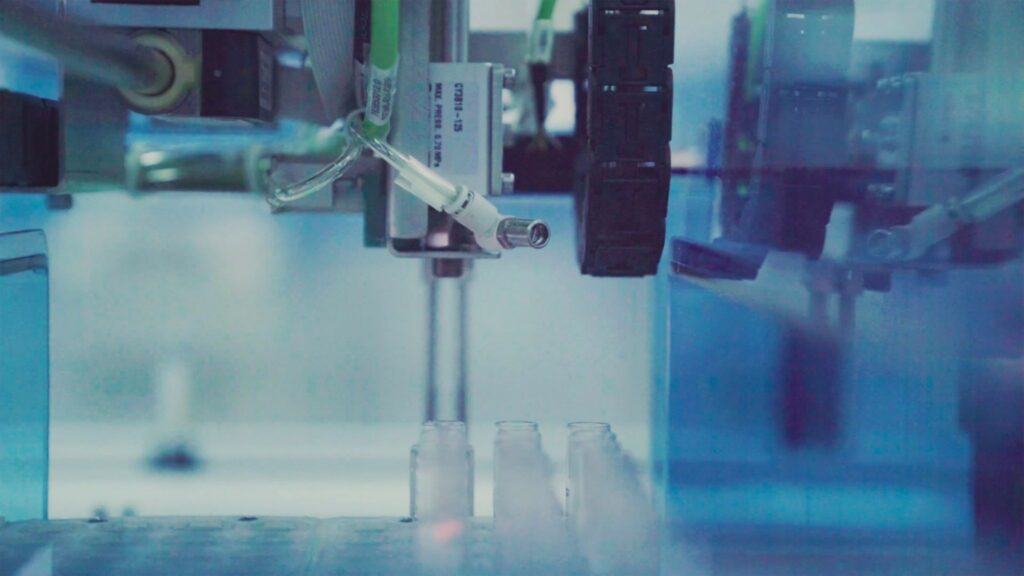
Machine experience spans four connected layers, each shaping how users interact with, understand, and respond to a machine.
Physical Interaction
The first layer encompasses everything users physically touch, see, or hear, such as buttons, handles, switches, displays, indicator lights, alarms, and control panels. These elements shape how users initially understand and operate the machine.
Good physical design creates clear connections between actions and outcomes. Controls should communicate their purpose, while critical functions should remain easy to distinguish from routine operations during everyday use.
Physical feedback should also confirm that an action produced the expected result. Clear movement, sounds, lights, or other signals can help users understand the machine’s status without requiring them to check additional information.
Digital Interface
The second layer covers the machine’s screen-based experience. Industrial interfaces often present large amounts of information, making clear prioritization essential.
Designers should make the machine’s current state, critical alerts, and required actions easy to identify while keeping secondary information accessible. The goal is to give operators the information they need without adding unnecessary complexity.
Machine Behavior
Machine experience is also shaped by what happens after a user takes an action. A visually polished interface can still feel confusing if the machine responds slowly, provides unclear feedback, or changes states without explanation.
This becomes especially important as AI and automation are integrated into machine operations. NIST’s human-centered AI research emphasizes designing and examining AI interactions around human goals, outcomes, usability, and trust.
Designers should therefore make automated behavior understandable. If a machine provides a recommendation, users should know what it means, why it appeared, and what happens if they accept or reject it. A 2024 study found that explainable AI improved task performance in human-AI collaboration, supporting the value of making AI-assisted decisions easier to understand.
Emotional and Perceptual Experience
Users also form perceptions of a machine based on how predictable, understandable, and controllable it feels. Trust becomes particularly important when machines perform actions autonomously or provide recommendations.
NIST’s human-centered AI research examines how user, system, and contextual factors influence trust in human-automation interaction. A polished interface cannot compensate for behavior that feels unpredictable or opaque.
Design Around Tasks, Not Features
One of the most effective ways to improve the machine experience is to start with the operator’s work rather than the machine’s feature list.
Design teams can map an important task from beginning to end:
- What triggers the task?
- What information does the user need?
- What action must they take?
- How does the machine respond?
- What confirmation does the user receive?
- What happens if something goes wrong?
- How does the user know the task is complete?
Data quality can also shape workflow analysis. IBM discovered that 43% of chief operations officers rank it as a top priority, underscoring the value of reliable data for identifying issues and improving machine responses.
Plan for Different Users
Experienced employees, new hires, technicians, and managers may operate machines. Their information needs will not always be identical.
An experienced operator may want quick access to advanced controls, while a new operator may need additional guidance. A technician may require diagnostic information that is unnecessary during routine operation. The important consideration is predictability. Personalization should simplify the experience without hiding important information or unexpectedly changing critical controls.
Test Machine Experience in the Real Environment
Machine experience should be tested with real users, not just reviewed in design files. Observing users with prototypes or working machines can reveal confusing controls, overlooked information, and workflow issues.
A 2025 study of three Swiss machine-tool manufacturers found that 81% of respondents considered UX implementation to be absent, mediocre, or emerging. For SMBs, structured observation, user interviews, and usability testing can provide a practical starting point without requiring a dedicated UX department.
Give Marketing a Role in Machine Experience
Machine experience also matters to marketing. If a machine is easier to learn, configure, or operate, those qualities can become part of its value proposition. Marketing teams can demonstrate the experience through product videos, customer stories, and sales demonstrations.
Specific evidence is more useful than generic claims such as “easy to use.” Showing how a new operator completes a workflow or how an interface guides troubleshooting makes the experience tangible. Marketing research can also inform product design by revealing customer expectations, while UX research can show where those expectations align with actual machine use.
Measure the Experience
Machine experience can be measured through task completion time, error rates, training time, support requests, and user satisfaction. Interaction steps and recovery time after errors can also reveal where users encounter friction.
The goal is to determine whether users can complete tasks efficiently and confidently. A machine’s feature count matters less than how effectively people can use those features.
Better Machine Experiences Start With Better Design
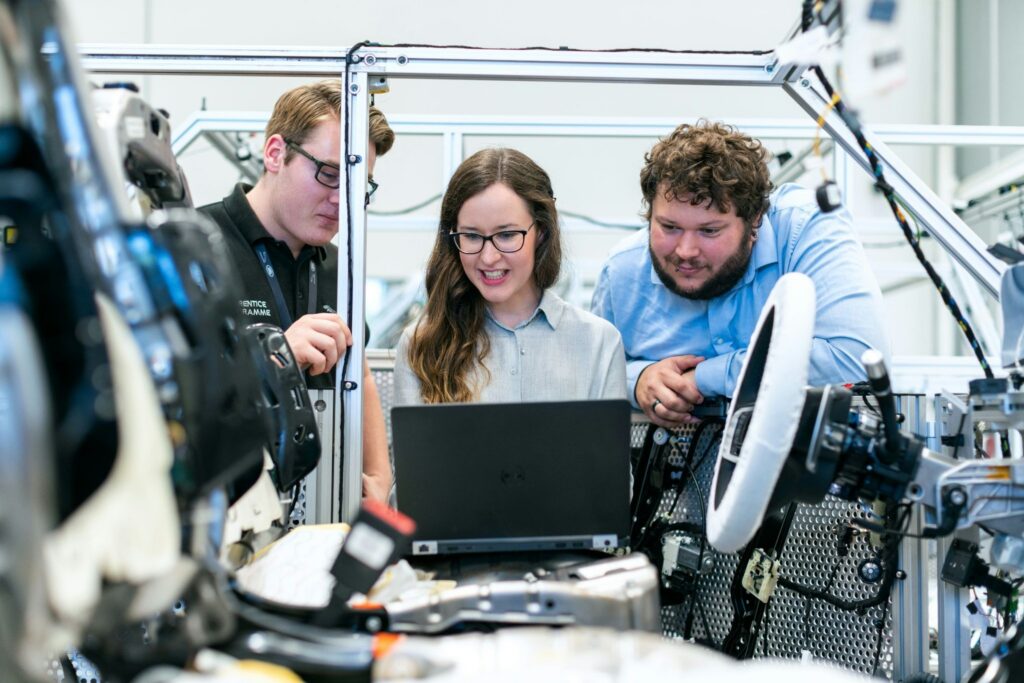
Machine experience brings the technical and human sides of product design together. By aligning physical controls, digital interfaces, machine behavior, and user needs, businesses can make complex technology easier to understand, operate, and trust.

Leave a Comment