



In This Article
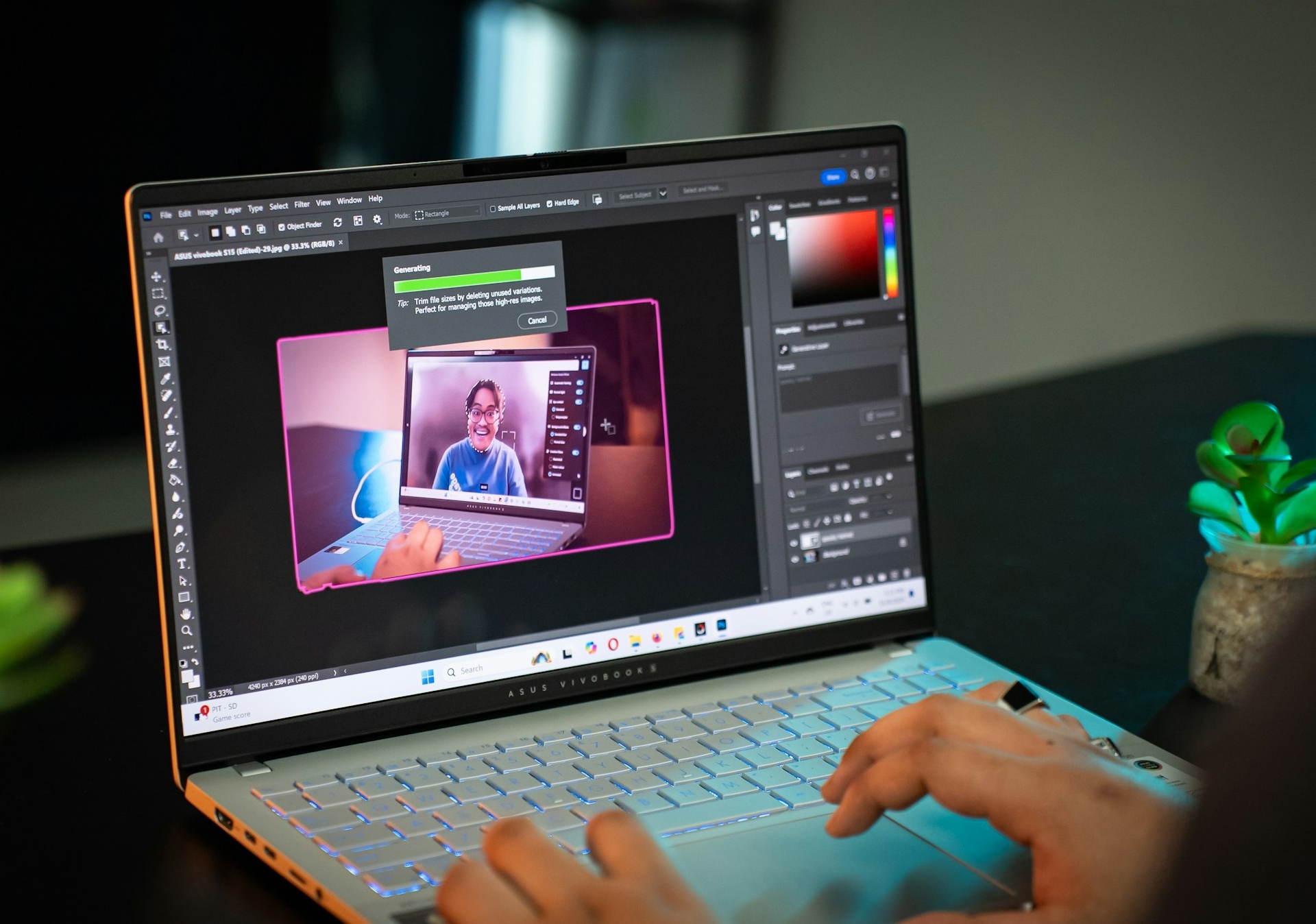
Photo editing has transformed dramatically in recent years as features powered by artificial intelligence (AI) replace the manual workflows that once consumed hours of a designer’s day. These intelligent tools deliver professional-grade Photoshop photo editing within reach of creators at every skill level, turning complex tasks into single-click solutions. From instant object removal to automated subject masking, modern features let designers and marketers focus on creativity rather than tedious technical work.
Prep and Crop Your Canvas
Proper cropping shapes composition while canvas setup locks in the dimensions and resolution that every subsequent adjustment will build upon. When creators skip these foundational decisions, they often discover midway through a project that proportions don’t match the intended output, forcing them to backtrack and rework layers they thought were finished.
Newcomers to the software frequently struggle with these initial stages because the interface presents dozens of options without explaining which settings matter most for different project types. Video-based beginner tutorials address this knowledge gap by walking viewers through each decision point, offering step-by-step guidance that translates abstract concepts into actionable steps.
Building competence here prevents resolution mismatches and cropping errors later. Professionals consistently cite proper setup as the most overlooked skill among beginners despite its direct impact on both quality and efficiency throughout the entire editing process.
Leverage AI Generative Fill for Object Removal
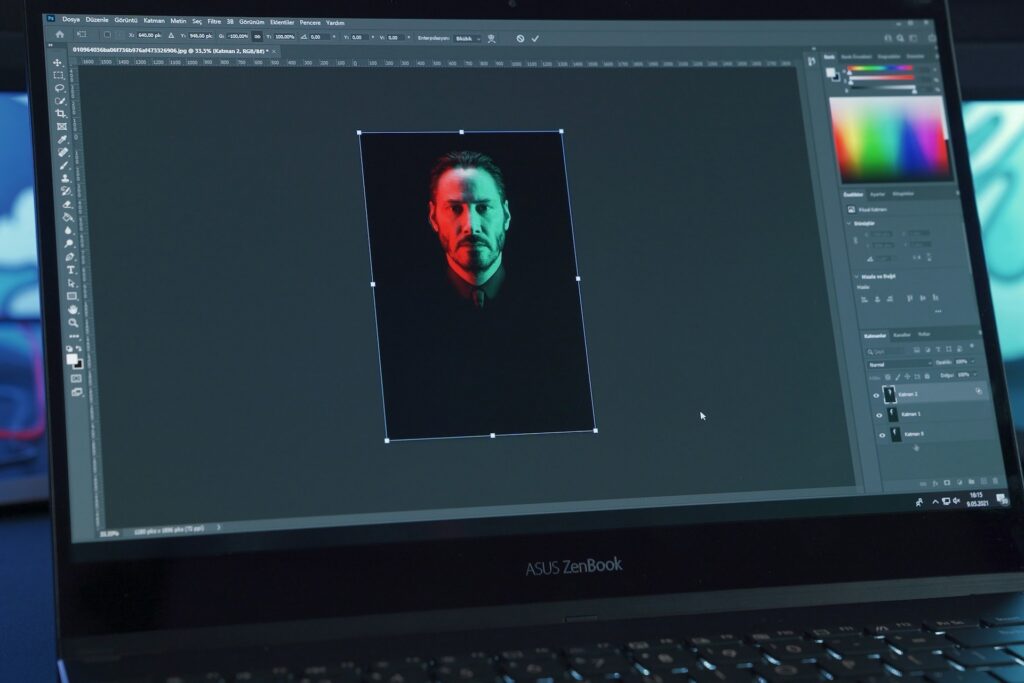
Clone stamp techniques once demanded pixel-by-pixel precision and an intimate understanding of texture matching, stretching simple cleanup tasks into multi-hour endeavors. Intelligent algorithms have fundamentally altered this equation by analyzing surrounding context and generating appropriate fill content that blends seamlessly with existing image elements.
Generative Fill lets users select unwanted objects and modify photo sections using text prompts describing the desired result, while the software automatically handles texture blending, lighting consistency and perspective alignment. Additionally, Generative Expand enlarges canvas boundaries and intelligently extrapolates existing image content into newly created space, both of which help improve photos in Photoshop by eliminating the guesswork that once defined object manipulation.
Users outline the target area and enter a brief description rather than mastering complex brush techniques. The algorithm draws from millions of training images to predict what belongs in a given space, making sophisticated decisions about color temperature, grain structure and directional lighting that would challenge experienced editors while maintaining photographic realism.
The Time-Saving Power of Generative Fill
These intelligent systems fundamentally reshape how creative teams allocate their time and energy. Visual designers report saving over five hours weekly when automation handles repetitive work like generating subtitles and alt text while flagging color-contrast issues across large asset libraries.
Speed gains translate directly into meeting the escalating demands of content. Research shows that 94% of creative professionals now produce content more quickly, with half reporting 50% faster completion times, reclaiming 17 hours per week.
Organizations recognize this potential, as approximately 40% of businesses plan to increase budgets for generative AI use while reallocating resources toward systems that amplify creative output. Marketing teams can now test multiple approaches and respond faster to trending topics, fundamentally changing how they plan campaigns.
Apply Single-Click Adjustment Layers

Protection of original image data separates modern editing approaches from destructive techniques that permanently alter base pixels. While older methods baked changes directly into the file, contemporary adjustment layers apply modifications to a transparent overlay that sits above the source material, and changes applied to the transparent layer preserve everything underneath.
When clients request revisions or shifts in creative direction mid-project, designers can disable or modify the overlay rather than starting from scratch. This flexibility has become essential as project scopes expand and stakeholder feedback loops grow more complex.
Recent additions to this system include Clarity and Dehaze layers that provide granular control over atmospheric elements and image sharpness without requiring manual masking expertise. Community feedback highlights how these offer enhanced precision and control that professionals have requested for years. Dehaze balances lighting and atmospheric effects while Clarity enhances definition without introducing harsh artifacts.
Operating as independent layers, both allow intensity adjustments or complete disabling without compromising the underlying work. Photographers working with landscape and architectural imagery particularly benefit since atmospheric conditions often obscure details clients expect to see clearly. The ability to experiment with different looks proves invaluable when presenting multiple options to stakeholders who may have conflicting visions for the final aesthetic.
Utilize Select Subject for Instant Masking
Manual subject isolation once required tracing edges with the Pen Tool, a process that demanded steady hands and significant time investment for intricate shapes like tree branches or windblown hair. Automated detection now finds and selects the subject automatically by analyzing the image and drawing a selection outline around the main focal point with a single click.
The initial automated selection serves as a starting point rather than a finished product, though it handles the bulk of the heavy lifting instantly. Users can refine edges afterward, where hair, fur or fine details require additional attention. Combining rapid initial detection with the ability to fine-tune results dramatically reduces time spent on fundamental masking while preserving the ability to meet professional standards and client expectations.
Frequently Asked Questions
Designers and marketers adopting intelligent automation often ask similar questions about speed expectations, tool selection for specific tasks and protecting their original work throughout the editing process.
How long does Photoshop photo editing take for beginners?
Intelligent automation has drastically reduced project timelines by allowing most Photoshop photo editing tasks to be completed in minutes rather than hours. Intuitive systems automate sophisticated processes that previously took weeks of practice to master, so beginners now accomplish in a single session what once required multiple attempts and extensive tutorial watching. Tasks that consumed entire afternoons now fit comfortably into short windows between meetings.
What is the best tool for removing unwanted objects?
Generative Fill and the AI-powered Remove tool represent the fastest and most seamless options for beginners cleaning up their images. Both leverage machine learning to analyze context and generate appropriate replacement content. Unlike manual clone stamp techniques that required understanding of texture matching and opacity control, these tools eliminate the steep learning curve.
How do adjustment layers protect the original photo?
Adjustment layers sit on top of the original image without permanently altering its pixels, embodying the concept of non-destructive editing. Unlimited revisions and experimentation become possible while keeping the base file intact and recoverable at any point in the creative process.
Work Smarter With New Adobe Photoshop Tools
Embracing intelligent automation and single-click solutions makes sophisticated Adobe Photoshop editing accessible to users of all experience levels. Modern systems eliminate technical barriers that once separated professionals from beginners, letting creativity drive decisions rather than software mastery. Experimenting with these capabilities opens new possibilities for faster, more precise results.


Leave a Comment