



A new business frequently needs a recognizable visual identity early on, but designing a professional logo has traditionally taken time, expense and access to creative skills. In recent years, AI logo generators have begun to revolutionize how founders and small teams approach this phase, democratizing brand creation like never before.
At the same time, their appearance has sparked crucial conversations in the design world about originality, authorship, and the place of human creativity in branding. As these tools grow, they are becoming a more apparent element of how modern brands launch.
What to Know Before Using an AI Logo Generator
AI logo generators can speed up the early stages of brand building, especially for founders who need something functional right away. Their growing visibility reflects a broader shift in creative workflows. Recent research shows 52% of freelance designers use generative AI tools, with another 24% planning to adopt them. Still, they work best when users understand what these tools can and cannot do.
Output Quality Can Vary
Most AI logo platforms rely on prompts, templates and automated styling systems to generate results quickly. That speed is helpful, but it also means the final logo’s quality often depends on how much refinement is done afterward. In many cases, users treat the first version as a starting point rather than a finished identity.
Originality Is Still a Common Concern
Because AI tools learn from large collections of existing visual material, questions about similarity and authorship continue to come up in design conversations. While many platforms are improving transparency and customization options, businesses that want a highly distinctive brand presence may still choose to involve a designer later in the process.
Brand Strategy Does Not Happen Automatically
A logo generator can suggest shapes, layouts and typography, but it does not replace the thinking behind a full brand identity. That distinction matters because visual identity plays a powerful role in first impressions. Research shows that the human brain can process visual content in as little as 13 milliseconds, which means even small design decisions can influence how a brand is perceived almost instantly. Thoughtful positioning and consistency usually require planning beyond what automated tools provide.
Designers Still Play an Important Role
Many teams now use AI logo generators as an early step instead of a final solution. They can help explore visual directions quickly or support smaller projects with limited budgets, while professional designers continue to shape deeper identity systems that grow with a brand over time. Used thoughtfully, both approaches can support different stages of the creative process.
The Best AI Logo Generators of 2026
With more platforms offering automated branding support than ever before, choosing the right AI logo generator can feel overwhelming at first. The following stand out for their ease of use, customization options, and ability to help users create logos that are ready to build on.
1. Looka
Looka is one of the most recognizable AI logo generators available today. The platform walks users through a short setup process where they enter their company name, choose preferred styles, and select colors or symbols before generating multiple logo directions to explore. From there, users can refine layouts and preview designs on real-world mockups, such as business cards or social media graphics, making it easier to visualize how a brand may look in practice.
Beyond logo creation, Looka is a lightweight branding system. Its Brand Kit automatically applies selected colors, fonts and logo variations across hundreds of templates, helping users maintain visual consistency across early marketing materials. This makes it especially useful for startups or solo creators who need a cohesive starting point while still leaving room for later refinement with professional design support if needed.
Key Features:
- Generates multiple AI logo variations based on industry, style and color preferences
- Provides high-resolution file formats like PNG, SVG, EPS and PDF, depending on the package
- Includes a Brand Kit with 300+ ready-to-use templates for social media, documents and marketing materials
- Allows customization through an editor with preview mockups on real-world branded assets
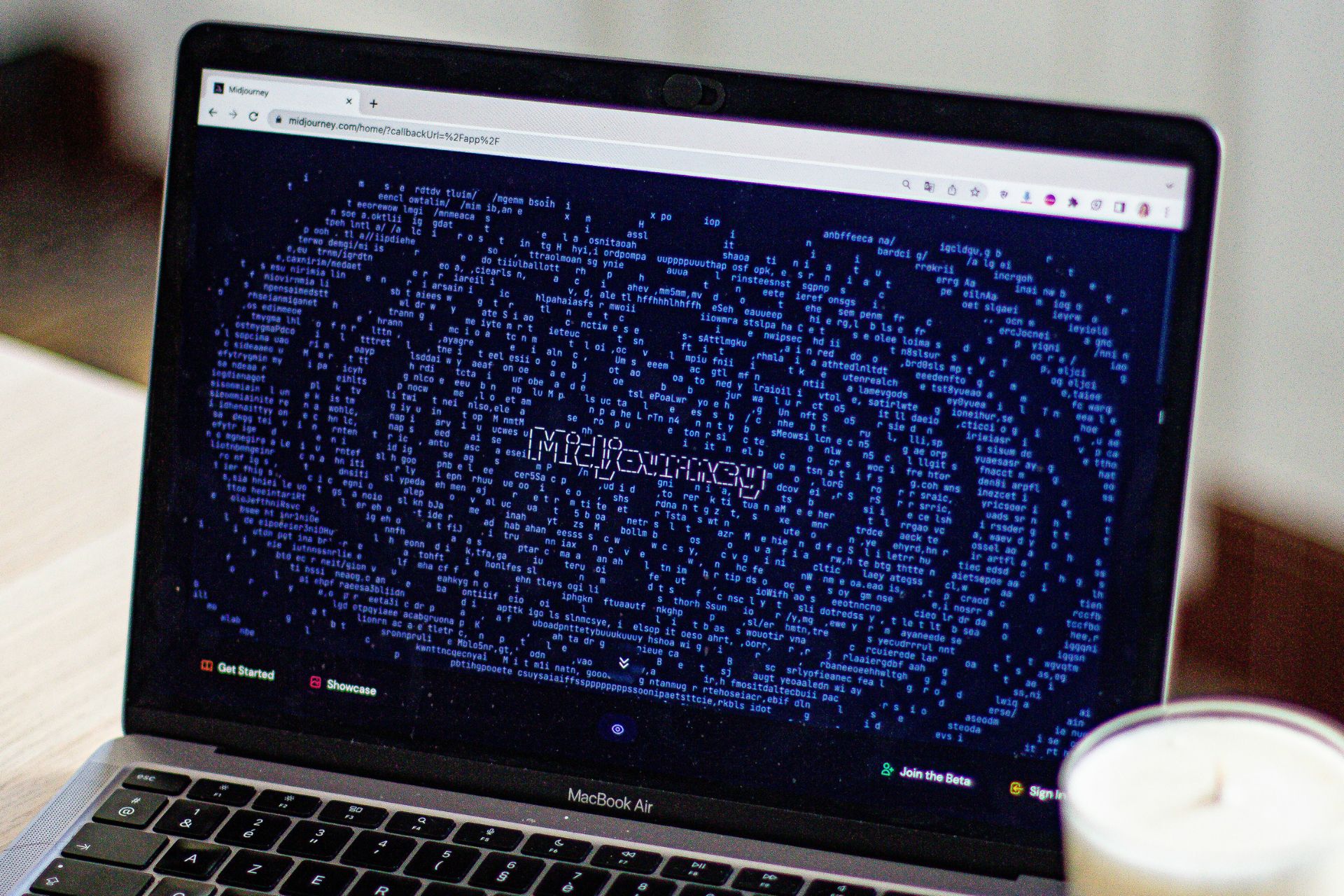
2. Midjourney
Midjourney approaches logo creation differently from traditional AI logo generators. Instead of giving users a walk-through, they must use text prompts to generate visuals, which gives it a more open-ended feel. This makes it a popular option for users who want to explore creative directions or develop more illustrative logo concepts. However, it often requires more trial and refinement to land on something useful.
Because of its flexibility, Midjourney is often used as a starting point rather than a final solution. Logos created on the platform may need additional editing, especially for clean typography or scalable formats. Still, for those comfortable experimenting with prompts, it offers a level of creative control that sets it apart from more template-driven tools.
Key Features:
- Makes logo concepts through text prompts
- Allows style referencing to guide visual direction
- Includes inpainting tools to refine specific areas of a design
- Offers adjustable “stylize” settings to control how artistic or literal the output appears
3. LogoAI
LogoAI is more than a logo generator. Rather, it focuses on the full brand identity process from the start. After entering a business name and industry, the platform uses built-in design principles to generate logo concepts that feel structured rather than experimental. It quickly produces multiple variations, allowing users to explore different visual directions while still keeping designs aligned with common branding standards.
What sets LogoAI apart is its ability to extend beyond the initial logo. Once a design is selected, the platform can automatically apply it across a range of branded materials, helping users maintain consistency without needing to start from scratch each time.
Key Features:
- Uses industry-specific data and design best practices to generate logo concepts
- Creates multiple variations to explore different styles and layouts quickly
- Expands logos into a full brand identity with mockups and marketing assets
- Offers downloadable files in formats like PNG, SVG and PDF
4. Canva AI Logo Maker
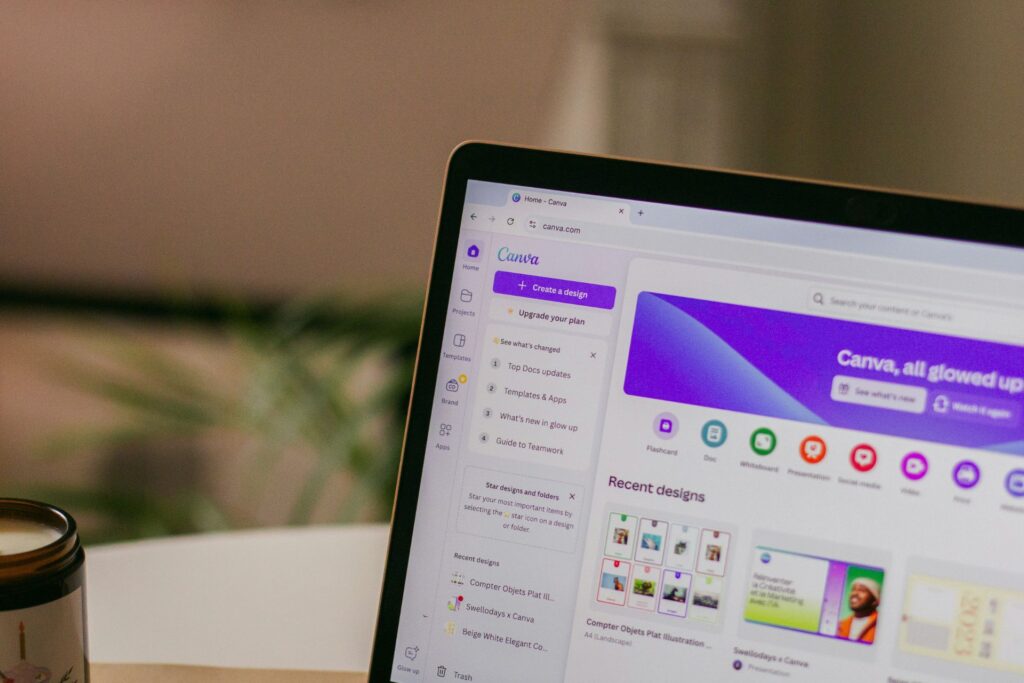
Canva’s AI logo generator builds on a platform many users are already familiar with, which makes the experience feel more approachable. Instead of templates, it uses text prompts through its Dream Lab technology to generate logo concepts based on a user’s description. This feature offers greater style flexibility while keeping the process simple.
What makes Canva stand out is how seamlessly logo creation fits into its larger design ecosystem. Once a logo is generated, users can immediately refine it using Canva’s editing tools or apply it across marketing materials and presentations without leaving the platform.
Key Features:
- Produces logos from text prompts
- Offers editing tools like Magic Edit, Magic Eraser and color adjustments
- Allows instant resizing and application across designs with Magic Switch
- Includes mockups and branding tools
5. Microsoft Designer
Microsoft Designer takes a broader approach to logo creation by combining generative AI with branding and editing tools. Using prompt-based input powered by DALL-E, users can describe the type of logo they want and receive multiple visual options to work from. The process feels flexible but still guided, making it easy for users to get started.
What sets Microsoft Designer apart is how it blends logo creation with a larger design workflow. Beyond generating concepts, it offers tools to refine and adapt visuals for different uses, as well as the ability to build a simple brand kit from a short description.
Key Features:
- Creates logos through prompt-based input using DALL-E integration
- Includes an AI-powered brand kit creator for cohesive visual identity
- Offers editing tools like background removal, generative erase and image upscaling
- Provides specialized tools for creating monograms, icons and simplified brand marks
Finding the Right AI Logo Generator for Your Brand
AI logo generators are making it easier than ever to get a brand off the ground. Still, the right choice depends on how much control, customization and refinement a business needs. While these tools can offer a strong starting point, they often work best when paired with thoughtful design decisions or additional creative input. Taking the time to choose the right platform can help ensure the final result feels aligned with the brand and ready to grow with it.
Leave a Comment