

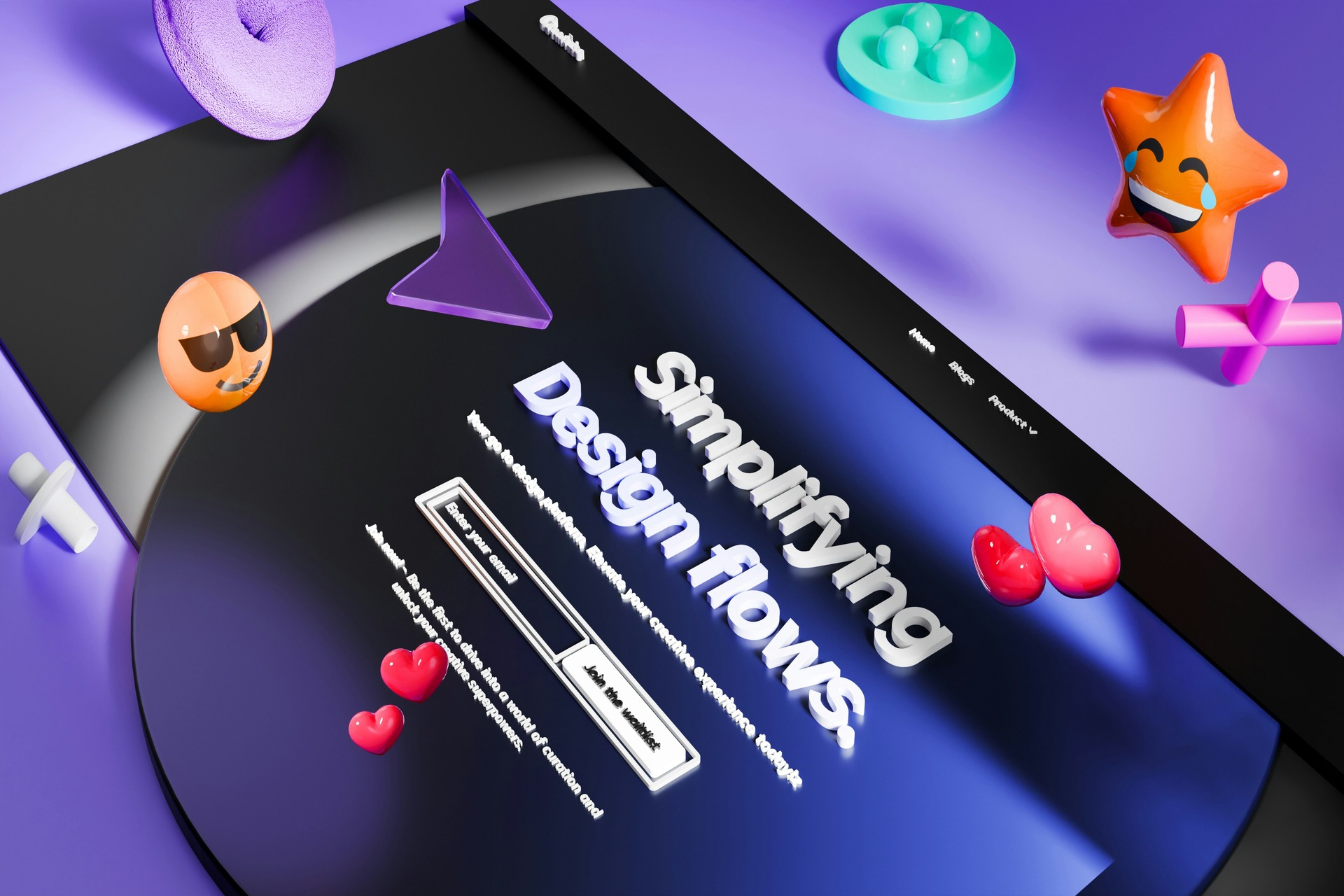

Interactive web animation has become a defining feature of modern website design as users expect digital experiences to feel responsive and engaging. Businesses that incorporate purposeful motion can create memorable interactions that encourage visitors to explore further. Rather than functioning as visual decoration alone, effective animations strengthen usability and guide users toward meaningful actions that contribute to higher engagement and conversions.
The Importance of Interactive Web Animation
Visitors form opinions about a website within moments, and often they will give five seconds before deciding whether to stay or click away forever. A polished, responsive interface and with thoughtful interactive animations directs attention toward important content, making navigation feel effortless. Subtle motion also helps establish a visual hierarchy by emphasizing calls to action and featured products without overwhelming the page.
This guidance reduces friction during the browsing experience and makes it easier for visitors to find what they need. As users encounter engaging visual cues throughout their journey, they become more inclined to explore additional pages, increasing engagement and opportunities for meaningful conversions.

The Most Effective Types of Interactive Web Animation
These are the most effective interactive web animation techniques that combine visual appeal with practical functionality.
Hover Animations
Hover animations add immediate visual feedback when users move their cursor over buttons or images, signaling that these elements are interactive and ready for engagement. By incorporating interactive web animation into these moments, designers improve discoverability while making navigation feel more intuitive.
Subtle changes such as color shifts, scaling effects or gentle movement encourage users to click with confidence. They create a smoother browsing experience without distracting from the surrounding content.
Scroll-Triggered Animations
Scroll-triggered animations gradually reveal content as visitors move down a page, which creates a natural sense of progression that keeps information easy to follow. By drawing attention to specific sections of a webpage, these animations highlight the order in which designers want content to be viewed.
Rather than presenting every element simultaneously, they encourage visitors to focus on one idea before moving to the next. This approach improves readability and helps maintain attention throughout longer pages with multiple sections. This controlled pacing supports smoother storytelling and allows each section to make an impact without overwhelming visitors.
Microinteractions
Microinteractions are small animations that appear during everyday tasks, including loading indicators and toggle switches. These subtle visual cues provide immediate feedback, confirming that an action has been completed successfully. They also reassure visitors that the website is responding to their actions, reducing frustration during moments when a process takes time to complete.
Even simple animations can make routine interactions feel smoother by eliminating guesswork and reinforcing expected behavior. Reducing uncertainty and setting clear expectations make websites feel more responsive. Although they often go unnoticed, these animations improve usability by guiding users through tasks with fewer interruptions.
Interactive Backgrounds
Animated gradients and subtle motion backgrounds can add depth and personality to a website without competing with its primary content. Blending an engaging narrative with branded imagery also attracts the right potential customers and encourages them to engage with the site.
When motion supports the overall brand narrative, it creates a more immersive experience that strengthens recognition and leaves a lasting impression. However, excessive movement or constantly shifting backgrounds can distract users from important information. The most effective motion backgrounds allow branding and usability to work together seamlessly.
Product and Service Demonstrations
Interactive demonstrations use animation to showcase product features and step-by-step process visualizations in a way that is easy to understand. Integrating interactive web animation into these demonstrations can simplify complex concepts and present information in a more visually compelling format.
Visitors can see how a product works or how a service delivers results without relying on lengthy blocks of text. This visual approach speeds up understanding while keeping users actively engaged throughout the experience. As a result, interactive demonstrations allow potential customers to make more informed decisions.
How Interactive Animations Improve User Experience
Well-designed animations remove friction from the user journey and make digital interactions feel more natural. When every movement serves a clear purpose, interactive animations improve usability while helping visitors navigate content.
Create Emotional Connections
Thoughtfully designed motion reinforces brand personality by creating interactions that reflect a company’s identity and values. Whether a website uses playful animations to convey creativity or minimalist motion to emphasize simplicity, each style influences how visitors perceive the brand.
The world’s most visited websites report average session lengths exceeding 20 minutes per visit, which demonstrates how engaging content can improve key engagement metrics. When animations remain consistent with the overall visual identity, they create a cohesive experience that encourages visitors to spend more time exploring the site.
Transition effects between pages and interface elements help users understand how different parts of a website connect. Instead of abrupt changes that can interrupt the browsing experience, smooth transitions provide visual continuity as visitors move from one action to the next. They also create a sense of responsiveness by providing immediate visual feedback after each interaction.
Even subtle animations can reassure users that the website has registered their input and is guiding them toward the next step. This subtle guidance reduces confusion by showing where users are and what has changed on the screen. As a result, websites feel easier to use, encouraging visitors to navigate more confidently.
Reduce Cognitive Effort
Animations provide visual cues that help users understand interface changes by showing how elements move, appear or disappear during an interaction. Rather than forcing visitors to interpret sudden changes, motion creates a clear connection between one state and the next. Consistent animation patterns also establish predictable behavior, which allows visitors to learn the interface more quickly as they continue browsing.
This familiarity reduces hesitation and makes interactions feel more natural over time. Smooth transitions between different states or pages reduce cognitive load and prevent disorientation by helping users maintain a sense of place throughout their journey. With less mental effort spent figuring out what has changed, visitors can focus on engaging with the website’s content.
Best Practices for Using Web Animation
The most effective animations enhance the user experience without slowing down a website. Businesses that implement interactive web animation strategically can create more engaging digital experiences while maintaining strong usability.
- Keep every animation purposeful: Use motion to guide attention, communicate feedback or support navigation.
- Prioritize website performance: Optimize animation files and use lightweight technologies to maintain fast page load times.
- Design for accessibility: Respect reduced-motion preferences and ensure animations never interfere with readability or usability.
- Maintain visual consistency: Apply similar animation styles, speeds and transitions throughout the website to reinforce a cohesive brand identity.
- Optimize for every device: Test animations across desktops, tablets and smartphones to ensure smooth performance on different screen sizes.
Turning Motion Into Meaningful Results
Effective animation improves usability and shapes how visitors perceive a brand throughout their journey. When implemented strategically, interactive web animation creates engaging experiences that leave a lasting impression without compromising performance. SMBs, designers and marketers should prioritize purposeful animations that enhance the user experience while supporting long-term engagement.
Leave a Comment