

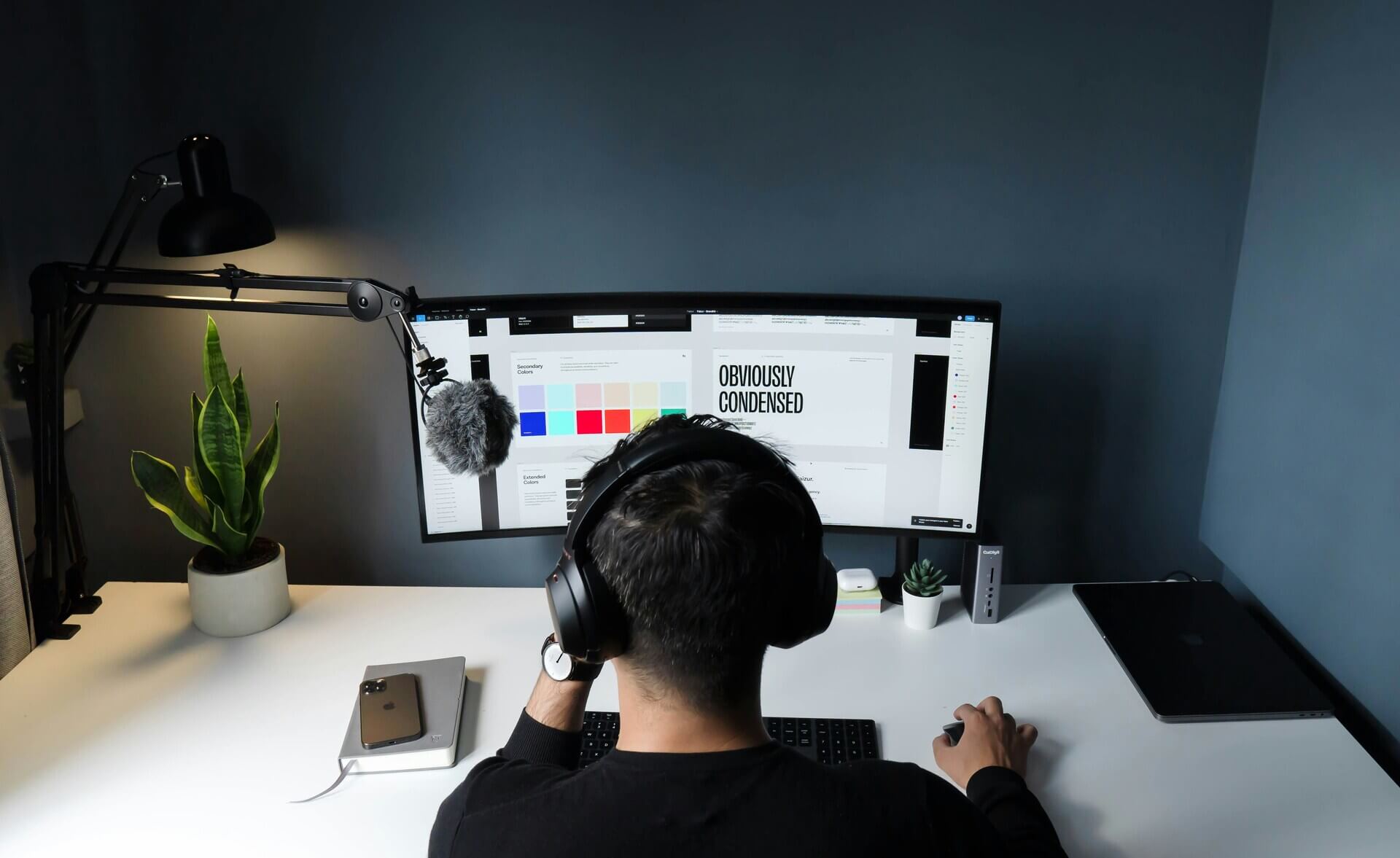


Choosing the right graphic design software shapes how efficiently you create, collaborate, and scale your visual content. For small and medium-sized business (SMB) owners, designers, and marketers, the decision often comes down to two categories — web-based tools and desktop applications. Each option offers clear advantages depending on your workflow, team structure, and technical requirements.
What Is Web-Based Graphic Design Software?
Web-based graphic design software runs in a browser. You access it through the internet without installing heavy programs locally. These tools typically operate on a subscription model and store files in the cloud. Popular use cases include social media graphics, presentations, marketing assets, and collaborative design work.
What Is Desktop Graphic Design Software?
Desktop graphic design software is installed directly on a computer. It offers more control over performance, file handling, and advanced features. Many professional designers rely on desktop tools for complex design work such as branding systems, print layouts, and high-resolution illustrations.
Key Differences Between Web-Based and Desktop Graphic Design Software
Before diving into pros and cons, here’s a quick comparison:
- Access: Browser-based vs installed locally
- Performance: Internet-dependent vs hardware-dependent
- Collaboration: Real-time vs file-sharing workflows
- Cost structure: Subscription-heavy vs license or subscription
- Feature depth: Simplified vs highly advanced
Pros of Web-Based Graphic Design Software
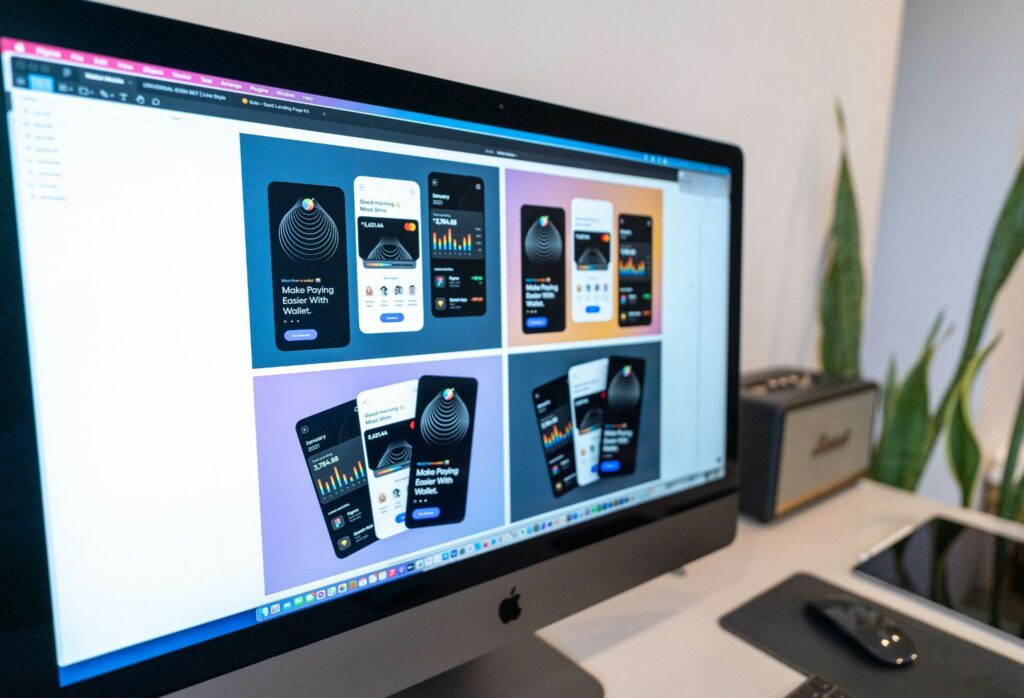
Web-based graphic design software offers flexibility and convenience, making it ideal for teams that need quick access, real-time collaboration, and device-independent workflows. The following points highlight the key advantages that make these tools popular for SMBs and marketing teams.
Accessibility Across Devices
Web-based graphic design software enables access across devices, supporting the continued rise of remote work. With flexible schedules and reduced commuting, driving its popularity, device-agnostic tools help teams stay productive from anywhere.
Real-Time Collaboration
Multiple users can edit designs simultaneously. This feature benefits marketing teams, agencies, and SMBs managing fast-paced campaigns. Real-time editing reduces revision cycles and eliminates version confusion — a common issue in traditional file-sharing workflows.
Lower Hardware Requirements
Since processing happens in the cloud, web-based tools run smoothly on lower-spec devices. This reduces the need for expensive hardware upgrades. For SMBs, this translates to cost savings across teams.
Automatic Updates and Maintenance
Web-based tools update automatically. You always access the latest features without manual installations or compatibility concerns. This ensures your team stays aligned on the same version, reducing workflow disruptions.
Faster Onboarding
Most web-based graphic design software offers intuitive interfaces and templates, enabling non-designers to create visuals quickly. With about 73% of learners open to fully online experiences, demand for easy-to-use, fast-onboarding tools continues to grow.
Cons of Web-Based Graphic Design Software
While web-based tools are accessible and easy to use, they come with limitations that may affect advanced design work and long-term cost efficiency. The next points outline the challenges to consider before adopting these platforms.
Limited Advanced Features
Web-based tools often prioritize ease of use over depth. Advanced capabilities such as complex vector manipulation, print color management, and high-end rendering may be limited. This can affect workflows that require precision and high production standards.
File Ownership and Data Concerns
Cloud storage introduces considerations around data privacy and ownership. Businesses handling sensitive assets may require stricter control over files. Clear policies and vendor transparency play a key role in mitigating these risks.
Internet Dependency
Web-based graphic design software relies on a stable internet connection, which directly affects performance and access. While around 6 billion people are online in 2025, about 2.2 billion still lack internet access, highlighting ongoing connectivity gaps that can affect reliability.
Subscription Costs Over Time
While initial costs are lower, ongoing subscriptions can accumulate. Over several years, total costs may exceed the cost of one-time desktop licenses. Budget planning becomes essential as teams scale and usage expands.
Pros of Desktop Graphic Design Software
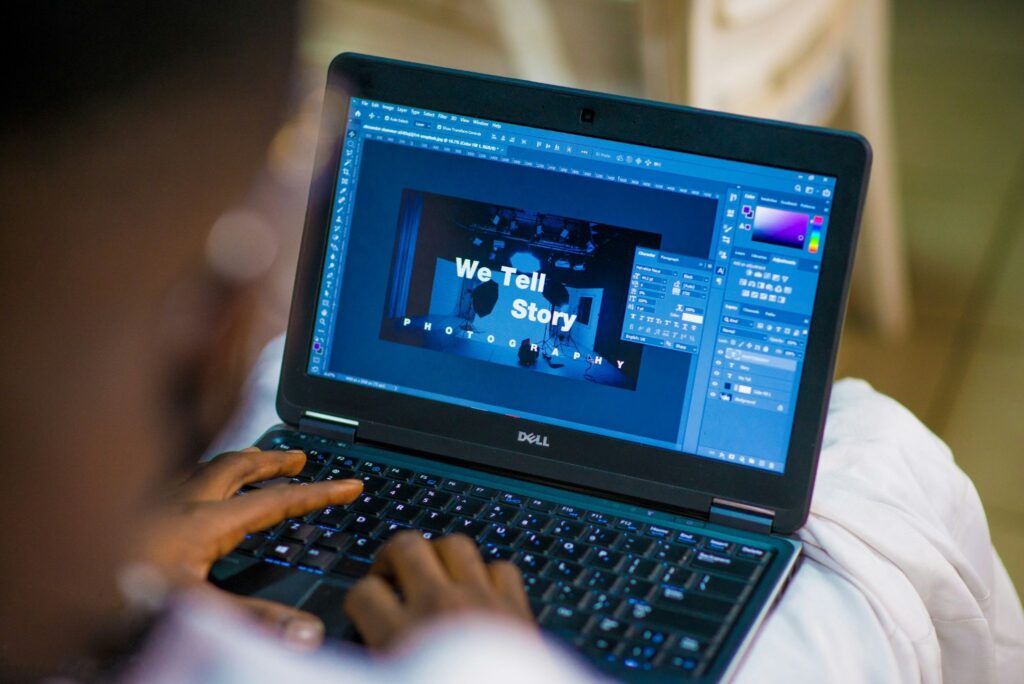
Desktop graphic design software provides robust features, high performance, and greater control, making it well-suited for professional designers and complex projects. The points below explain the benefits that justify the investment in these tools.
High Performance and Speed
Desktop graphic design software leverages your computer’s processing power. This enables faster rendering, smoother handling of large files, and better performance for complex projects. Designers working with high-resolution images or detailed illustrations benefit significantly from this capability.
Advanced Features and Customization
Desktop tools offer robust features for professional-grade work. These include:
- Advanced typography controls
- Precise color calibration for print
- Detailed vector editing
- Plug-in and extension support
These capabilities support industries such as publishing, advertising, and product design.
Offline Access
You can work without an internet connection. This ensures uninterrupted productivity, especially in environments with limited connectivity. It also allows greater flexibility when working in transit or remote locations.
Greater File Control
Files are stored locally or on private servers. This provides stronger control over data management, backups, and security protocols. Businesses can also implement customized storage and access policies to meet internal requirements.
Cons of Desktop Graphic Design Software
Despite their power and precision, desktop tools require higher up-front costs, maintenance, and training. The following points highlight potential drawbacks that teams should weigh before committing.
Higher Up-Front Costs
Many desktop tools require expensive licenses or high subscription fees. In addition, powerful hardware may be necessary to run them effectively. For SMBs, this can represent a significant initial investment.
Limited Collaboration Features
Collaboration often relies on manual file sharing. This can lead to version control issues and slower feedback loops. Teams may also experience delays when consolidating edits from multiple contributors.
Maintenance and Updates
Users must manage software updates, compatibility, and system requirements. This adds to operational overhead. IT support or internal resources may be needed to keep systems running smoothly.
Steeper Learning Curve
Advanced features come with complexity. New users may require training to fully utilize the software. This can extend onboarding time and impact short-term productivity.
Use Case Scenarios: Which Option Fits Best?
Choose web-based graphic design software if:
- Your team collaborates frequently in real time
- You need a quick turnaround for marketing content
- You prefer lower up-front costs
- Your team includes non-designers
Choose desktop graphic design software if:
- You handle complex or high-resolution design work
- You require advanced tools and customization
- You prioritize performance and offline access
- You manage sensitive or proprietary files
Hybrid Approach: The Best of Both Worlds
Many businesses adopt a hybrid approach. Designers use desktop graphic design software for complex projects, while marketing teams rely on web-based tools for quick content creation. This strategy balances performance, collaboration, and cost efficiency.
By combining both types of software, teams can leverage the strengths of each platform — high-end precision and control from desktop applications, and accessibility and real-time collaboration from web-based tools. This setup allows organizations to scale resources based on project complexity and team needs without sacrificing quality or speed.
Additionally, a hybrid approach supports training and onboarding. New team members can start with web-based tools to learn design fundamentals before transitioning to more advanced desktop software, creating a smoother learning curve and reducing workflow disruptions.
Making the Right Choice
There is no universal answer when choosing between web-based and desktop graphic design software. The right decision depends on your workflow, team structure, and business goals. For SMB owners and marketers, web-based tools offer speed and accessibility. For professional designers, desktop applications provide the depth and control required for high-quality output.
Evaluate your priorities carefully. Consider performance needs, collaboration style, budget, and long-term scalability. With the right choice, your graphic design software becomes a strategic asset that supports both creativity and growth.


Leave a Comment