

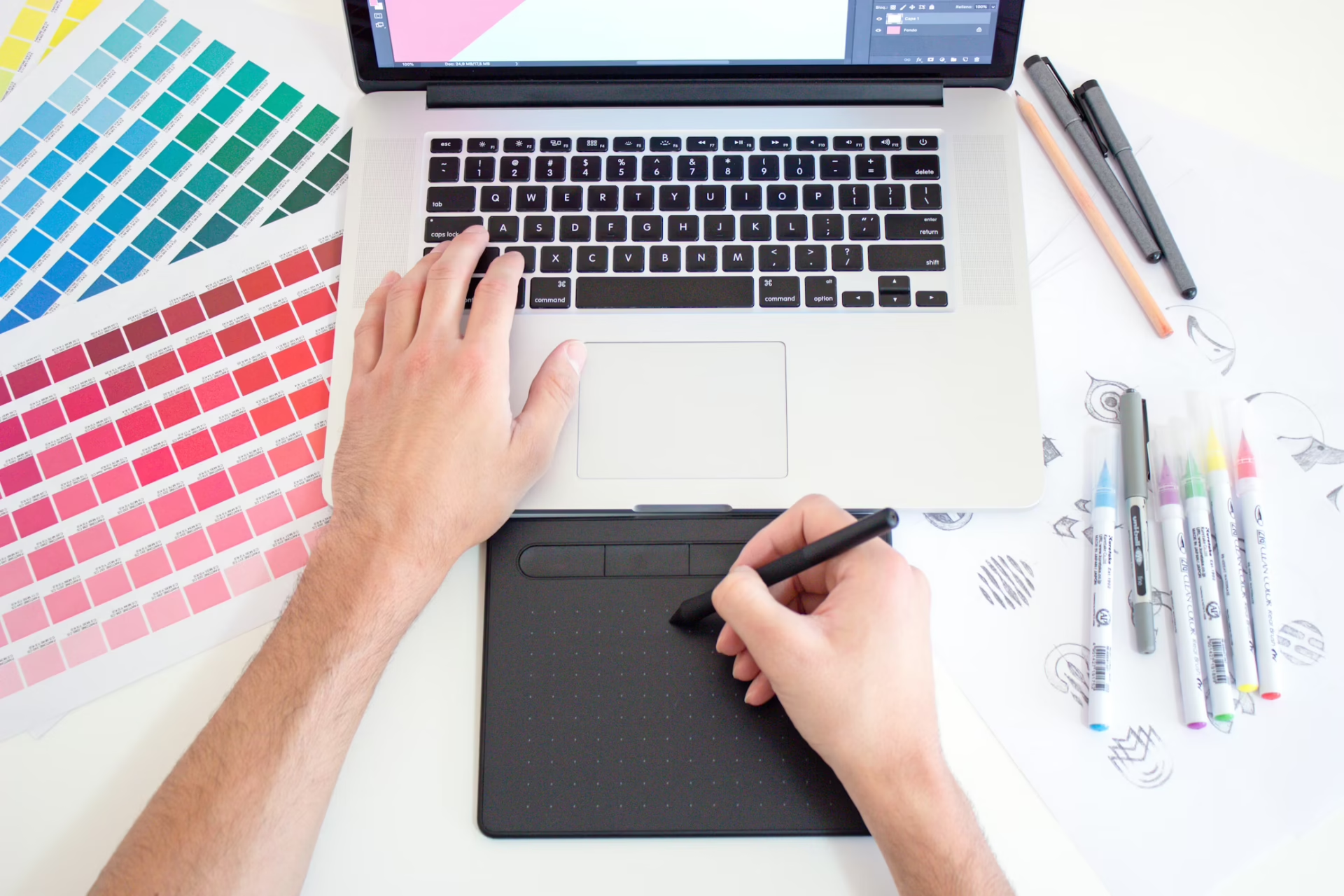


For years, Adobe has had the creative industry in a chokehold. Designers and small businesses had little choice but to pay steep monthly subscription fees or go without professional-grade tools. Then came the new Affinity Designer in 2025, providing industry-grade tools at a low, low price of zero.
What Is Affinity Designer?
Affinity Designer is a professional graphics application originally developed by Serif. First launched in 2014 exclusively on macOS, it expanded to Windows shortly after. The software was built to be fast and accessible, rivaling the cost and usability of industry tools like Adobe Illustrator.
This software was also sold under a perpetual license model, unlike Adobe’s switch to subscriptions. Designers paid once and owned the software forever, and they didn’t have to deal with monthly fees or forced upgrades.
For small businesses juggling everything from logo design to marketing materials, Affinity Designer was there to offer a capable, cost-effective alternative to the Adobe Suite.
The Canva Acquisition: A Game-Changer for the Industry
In March 2024, Canva acquired Affinity for approximately $380 million, which piqued the interest of the design community. After all, Canva had built its reputation as an easy-to-use, template-driven platform for non-designers.
Then, in October 2025, Canva made the announcement that the entire Affinity Suite would be unified into a single application and made completely free for everyone.
The response was immediate. More than one million people signed up for the new Affinity within just a few days of launch, which was unprecedented in the creative space.
The new app consolidates three previously separate tools into one workspace, with dedicated studios for vector design, photo editing, and page layout. AI features like generative fill and smart selections are available to Canva Pro subscribers, while the core professional toolset remains fully free with no watermarks or feature restrictions.
For Adobe, this shift represents serious competitive pressure. For years, many design professionals have lamented the exorbitant prices of Adobe’s subscription model, but are simply too tied to the suite’s feature-rich offerings. A full Creative Cloud subscription runs hundreds of dollars annually. Affinity now offers a professional-grade alternative at no cost.
Affinity vs. Adobe Creative Cloud: How Do They Stack Up?
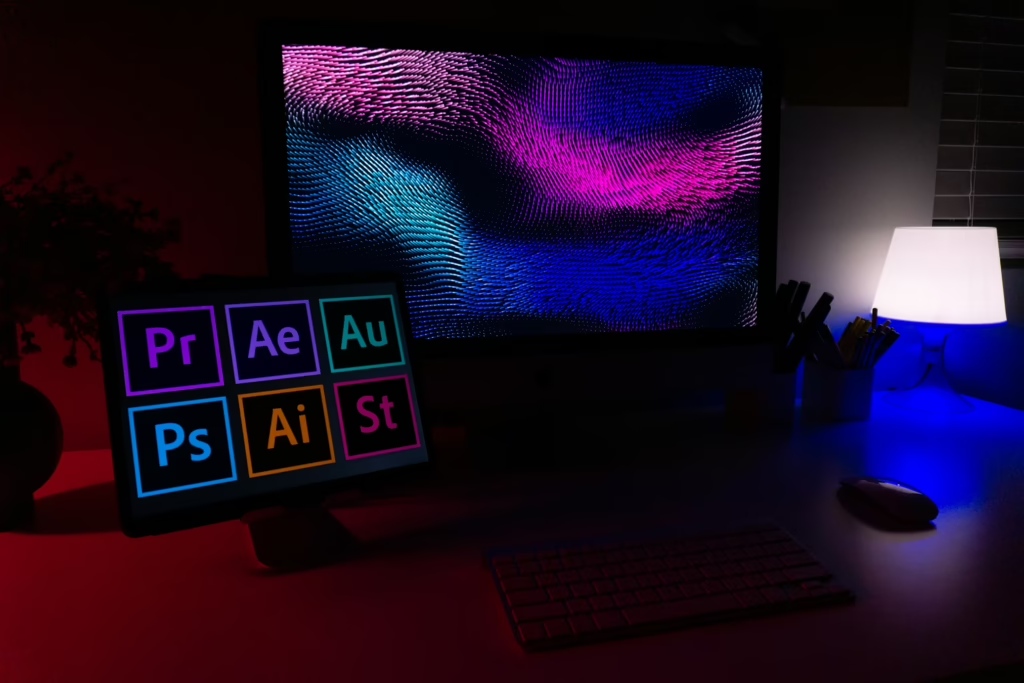
For many designers and small businesses, Affinity does the job just as well. Many features across Affinity and Adobe Creative Cloud overlap, and designers using Affinity can easily replicate the results of Adobe software, and vice versa. Still, there are differences.
The more important question is whether that gap justifies the monthly cost of an Adobe subscription.
Affinity currently works as one unified app with three dedicated studios, each a direct counterpart to a core Adobe application.
Vector vs. Adobe Illustrator
Affinity’s Vector studio handles everything Illustrator does for most professionals. It can handle logo design, icons, illustrations, brand assets, UI mockups, print graphics, and more. Its standout tools include a nondestructive vector warp and an X-ray view for comprehensive analysis.
Illustrator still leads the industry with its image trace algorithm for converting raster to vector and its gradient mesh for photorealistic vector work.
Pixel vs. Adobe Photoshop
Affinity’s Pixel workspace is a capable RAW-processing and photo editing environment that is nondestructive and fast, even on large files. It handles compositing, retouching, and HDR merging, and can even read and write PSD files.
Photoshop’s edge comes from its Firefly-powered AI tools, which include generative fill and expand features, AI-driven object selection, neural filters, and its deep integration with Lightroom for photographers managing large libraries.
Layout vs. Adobe InDesign
Affinity’s Layout studio handles multipage documents, master pages, text styles, and print-ready exports. It can also import IDML files from InDesign, making migration easier.
InDesign retains the edge for publishing professionals who need long-document tools like endnotes and indexing. For brochures, reports, newsletters, and general marketing material, Affinity Layout is perfectly sufficient.
Where Affinity Wins
- All three tools in one app, so there is no need to switch applications or juggle separate subscriptions
- Completely free core features, with AI tools available via Canva Pro
- Seamless switching between workspaces
- Broad file compatibility
Where Adobe Creative Cloud Still Leads
- Firefly AI’s deep integration across multiple software platforms
- Enterprise collaboration and team libraries
- Advanced long-document publishing tools in InDesign
- The de facto industry standard
Which Is Better?
For freelancers, marketers, designers, and small businesses producing logos, social media graphics, web assets, and marketing materials, Affinity delivers everything needed at zero cost. The Adobe ecosystem has a high price tag for specialist use, like publishing professionals, large agencies running enterprise workflows, and designers who need the full depth of Adobe Firefly AI.
Why Small Businesses and Marketers Are Making the Switch

Cost is only part of the story. Several factors make Affinity Designer particularly well-suited for small businesses and marketing teams.
Intuitive Interface
Affinity’s interface is clean and logically organized, especially in comparison with Adobe apps. For businesses that don’t have the luxury of long onboarding cycles, this simplicity translates into faster productivity. New hires can get comfortable with the tool quickly, helping teams stay agile and focused on output.
No Vendor Lock-In
Affinity supports a wide range of file formats, even those of Adobe’s, making it easy to collaborate with clients or partners who still rely on Adobe Creative Cloud. Teams can import and export files in formats like SVG and PSD without being tied to a subscription ecosystem. Businesses can choose tools based on what they really need.
Lightweight Performance
Installing multiple Adobe programs can strain many devices, especially computers that weren’t made for graphic design work. Affinity, on the other hand, prioritizes efficiency and is able to house multiple toolsets in one program. It can run smoothly on both Windows and Mac, which is a major advantage for teams that don’t rely on high-end hardware.
A Unified Creative Workflow
One of the most compelling features of Affinity is its integrated workflow. Users can seamlessly switch between Vector, Pixel, Layout, and Canva AI within a single interface. This eliminates the need to jump between multiple apps for different tasks, which is a common requirement when using Adobe tools.
Tips for Getting Started With Affinity Designer
Whether switching from Adobe or starting fresh, here are practical tips to hit the ground running.
Mapping Keyboard Shortcuts
Affinity shares some similar keyboard shortcuts with Adobe, making the transition smoother. Users can also customize their shortcuts using the Affinity > Settings menu. The right setup can make workflows smoother and more intuitive.
Using Workspaces Intentionally
The Vector workspace handles all vector work, while the Pixel space is for photo or raster editing. Switching between them is seamless, but knowing which mode is in use prevents confusion, especially in mixed-media projects.
Leveraging the Asset Panel
Users can save frequently used design elements like icons and brand colors to the Assets panel. This step can speed up repetitive design work and keep brand consistency across projects.
The Underdog Has Arrived
Affinity Designer has gone from a niche Adobe Alternative to a legitimate industry disruptor. For small business owners and designers who need professional tools without enterprise costs, the platform deserves consideration, especially since it has no financial barrier to entry.


Leave a Comment