

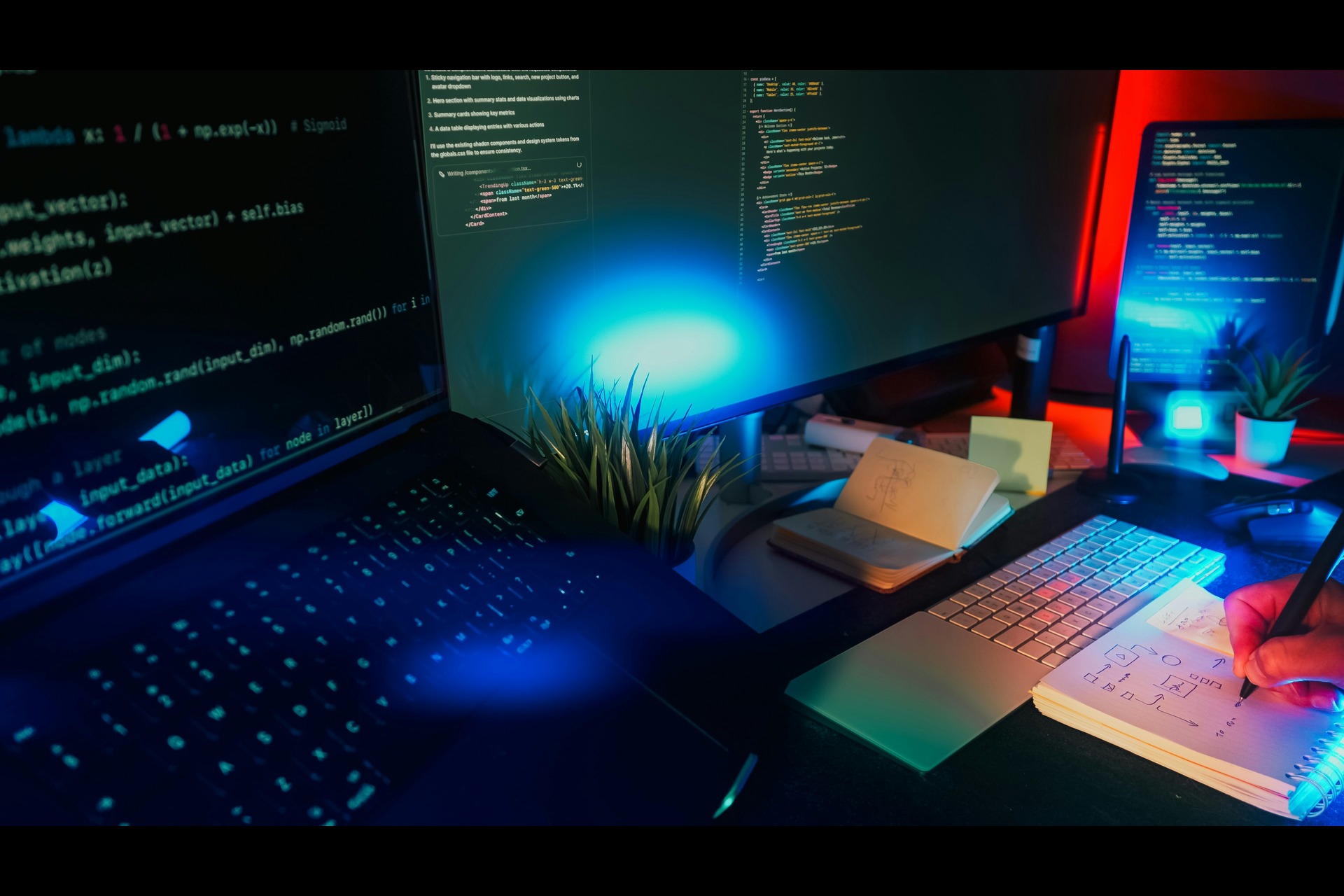


Web designers and small creative teams are juggling a growing list of AI subscriptions, one for image generation, another for video, and a third for background removal. WeavyAI, now rebranded as Figma Weave, consolidates those capabilities onto a single node-based canvas. This is a strategic look at where it fits in a working design stack, what it actually replaces, and what it means for small teams on Monday morning.
Breaking Down What WeavyAI Does for Creative Production
Most AI tools take a prompt and return a result, but WeavyAI works differently. Its node-based canvas lets designers build multistep creative pipelines that can be refined, reused, and scaled across projects, which is a fundamentally different approach from the one-shot generation most designers are used to.
How Node-Based Workflows Differ From Single-Prompt Tools
When a designer uses Midjourney or DALL-E, the process goes in one direction — write a prompt, receive an image, accept it, or start over. There is no way to isolate one element, route the output to an editing step, and feed that result into a video model, all within the same session.
WeavyAI’s canvas works through connected nodes. A designer can chain a text-to-image node, such as one used to generate a product lifestyle shot, to a background-removal node, then to a relighting node, and finally to a compositing node that places the subject onto a custom mock-up. Each step is visible, adjustable, and non-destructive. Changing the lighting does not force a full regeneration of the original image.
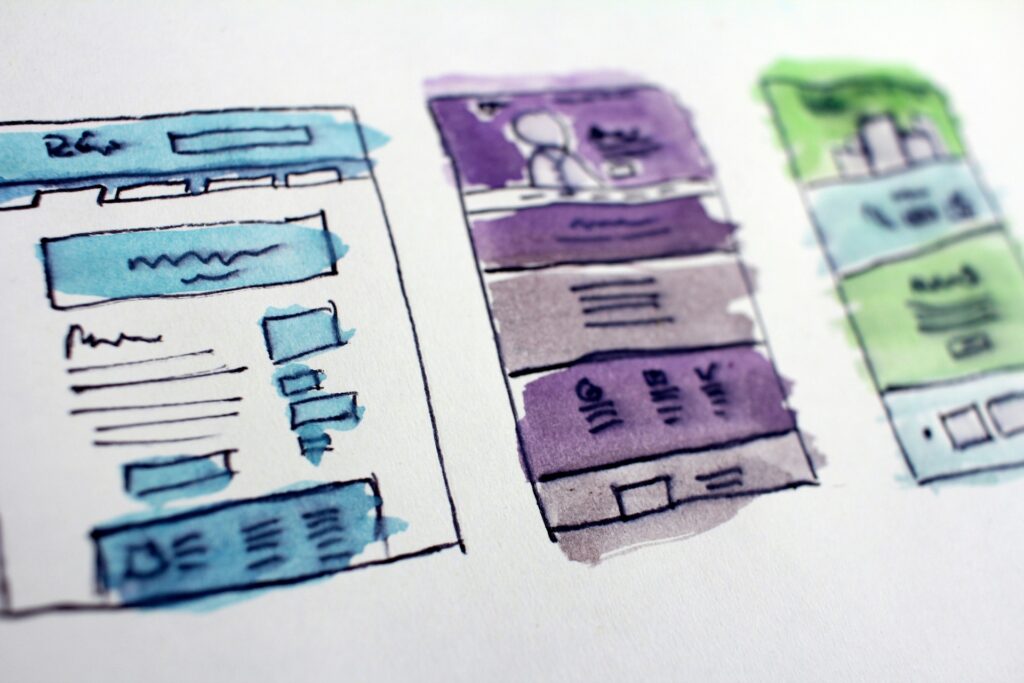
This is worth understanding because user flow diagrams can include loops or varying paths to accommodate user decisions and behaviors, reflecting the nonlinear nature of human interactions with digital interfaces. WeavyAI’s canvas works on exactly that principle, as creative production rarely moves in a straight line. The ability to branch, compare, and iterate without starting from zero is what separates a production workflow from a content generator.
Accessing Multiple AI Models on One Platform
WeavyAI integrates more than 40 AI models on a single canvas. The current lineup includes Flux, Runway Gen-4, Imagen 3, Veo 3, Kling, Stable Diffusion, Ideogram, and Luma Ray, among others. A designer can generate a hero image with Flux, animate a product clip with Runway Gen-4, and relight a lifestyle photo, all without leaving the workspace or managing separate accounts.
The real advantage is not just fewer tabs open. Different models perform differently depending on the task. Flux tends to produce detail-rich still images efficiently — Runway Gen-4 and Kling handle video with more cinematic control. Access to all of them in one environment lets a designer test outputs side by side and choose what works best, rather than defaulting to whatever a single platform offers.
Replacing a Scattered Creative Toolset With One Platform
A small creative team running a typical project in 2025 might be paying for Midjourney, Runway, a stock photo subscription, and a stand-alone upscaler. That is four separate invoices, four separate logins, and four separate places where assets get lost between steps.
What WeavyAI Consolidates in a Typical Design Stack
The categories WeavyAI covers most directly are AI image generation, AI video generation, background removal, relighting, upscaling, and compositing. A team running those tasks across Midjourney, Runway, Remove.bg, and a stand-alone upscaler can move the majority of that work into one workspace.
What it does not replace — UI design tools like Figma for wireframing and component-level design, and site-building platforms like Webflow or Framer for assembling the actual site. WeavyAI’s role is upstream, producing the visual assets dropped into those environments. The site builder and UI tools still do their jobs. WeavyAI handles what goes inside the layouts.
For SMB owners evaluating their designer’s toolset, that distinction matters. WeavyAI is not a website builder. It generates custom, on-brand imagery and video so the site doesn’t have to rely on stock photography other businesses already use.
Sharing Workflows With Clients and Teams Through App Mode
One of WeavyAI’s more underrated features is App Mode. A designer can build a complex node workflow, such as a branded product mock-up generator with specific lighting, color grading, and background style. It then converts that entire pipeline into a simplified one-click interface that a client or marketing teammate can operate without touching a single node.
From the client’s side, it looks like a simple form — upload a product image, click generate, receive an on-brand visual. From the designer’s side, it is a reusable system built once and deployable across multiple clients or campaigns. For small teams where non-designers frequently need to produce assets, it removes the bottleneck of routing every request through the one person who knows the tools.
Fitting AI-Generated Assets Into Real Web Design Projects
Knowing what WeavyAI does is useful. Knowing where it actually enters a project and where it exits is what makes it actionable for a small design team or a solo freelancer.
Moving From Client Brief to Final Deliverable
A freelance web designer receives a brief for a product landing page. The client has no professional photography, and the budget does not cover a shoot. Previously, that meant sourcing stock photos that may not fit the brand, or waiting weeks for the client to coordinate their own assets.
With WeavyAI, the designer builds a workflow that generates on-brand hero imagery using Flux, removes and replaces backgrounds to match the site palette, relights product shots for visual consistency, and produces a short looping video for the hero section. All of these happen before opening Webflow or Figma. Those assets are exported to the site-building tool as finished files.
WeavyAI fills the creative production gap between the client brief and site assembly. It does not build the page. It produces the visual material the page needs.
Rethinking Project Timelines and Pricing
If asset creation drops from two to three days of sourcing and iteration to a few hours of workflow building, that changes how small studios scope and price projects.
The business case is real, but so is the learning curve. Node-based workflows take time to understand, and initial projects may not move faster until the designer builds reusable templates. The speed advantage kicks in after that library exists — a product photography relight workflow, a hero image generator, a video loop builder. Once those are built, they deploy across clients with minimal setup.
For SMB owners, this is worth asking about directly. Is their designer building reusable creative systems, or rebuilding assets from scratch on every project? The former scales. The latter does not.

Weighing the Investment for Small Teams and Solo Designers
Before any tool earns a permanent spot in a working stack, it has to make financial sense. WeavyAI’s credit-based model is more flexible than flat-rate subscriptions, but it takes a little unpacking to evaluate clearly.
How the Credit-Based Pricing Model Works
WeavyAI offers four plan tiers. Free with 150 credits/month and up to five workflows, Starter with 1,500 credits, Professional with 4,000 credits and rollover, and Team with shared credits and brand kit access.
Credits are consumed per generation, and the cost varies by model. Fast image models like Flux Schnell consume relatively few credits, keeping iteration affordable. Video generation with Runway Gen-4 or Veo 3 consumes significantly more — upward of 200 credits for a short clip. The practical approach is to iterate with lighter models and reserve the heavier ones for final outputs.
For a solo designer or small studio currently paying separately for Midjourney, Runway, and a stock library, the Professional plan likely replaces more than it costs. The credit structure also means the team pays for what they generate, not for a flat fee covering access they may not fully use every month.
What the Figma Acquisition Signals for Designers Already in That Ecosystem
Figma acquired WeavyAI in October 2025, with industry estimates placing the deal above $200 million, its largest acquisition to date. The product currently runs as a stand-alone tool at weavy.ai, with separate billing from Figma. Full platform integration is planned, though the timeline has not been announced.
For designers who already work in Figma daily, this matters. WeavyAI is no longer a stand-alone startup, but a product line inside one of the most widely used design platforms in the world. The likelihood of it disappearing or losing support is now considerably lower.
What bundled pricing will look like and how tightly the two canvases will connect are still unfolding. Designers who get familiar with WeavyAI now will be ahead of that transition rather than having to learn it once it becomes a standard Figma feature.
Where WeavyAI Fits as the Creative Stack Continues to Evolve
The AI models inside WeavyAI will keep changing. Newer versions will launch, older ones will phase out, and the competitive landscape will keep shifting. What WeavyAI offers that no single model provides is the workflow layer itself. For small creative teams, that infrastructure is the actual investment, and getting familiar with it now means that adapting to whatever comes next will be considerably less disruptive.

Leave a Comment